S3 User Guide 50 PN 875-0196-000 Rev C1
Chapter 4: Advanced Features
Grid
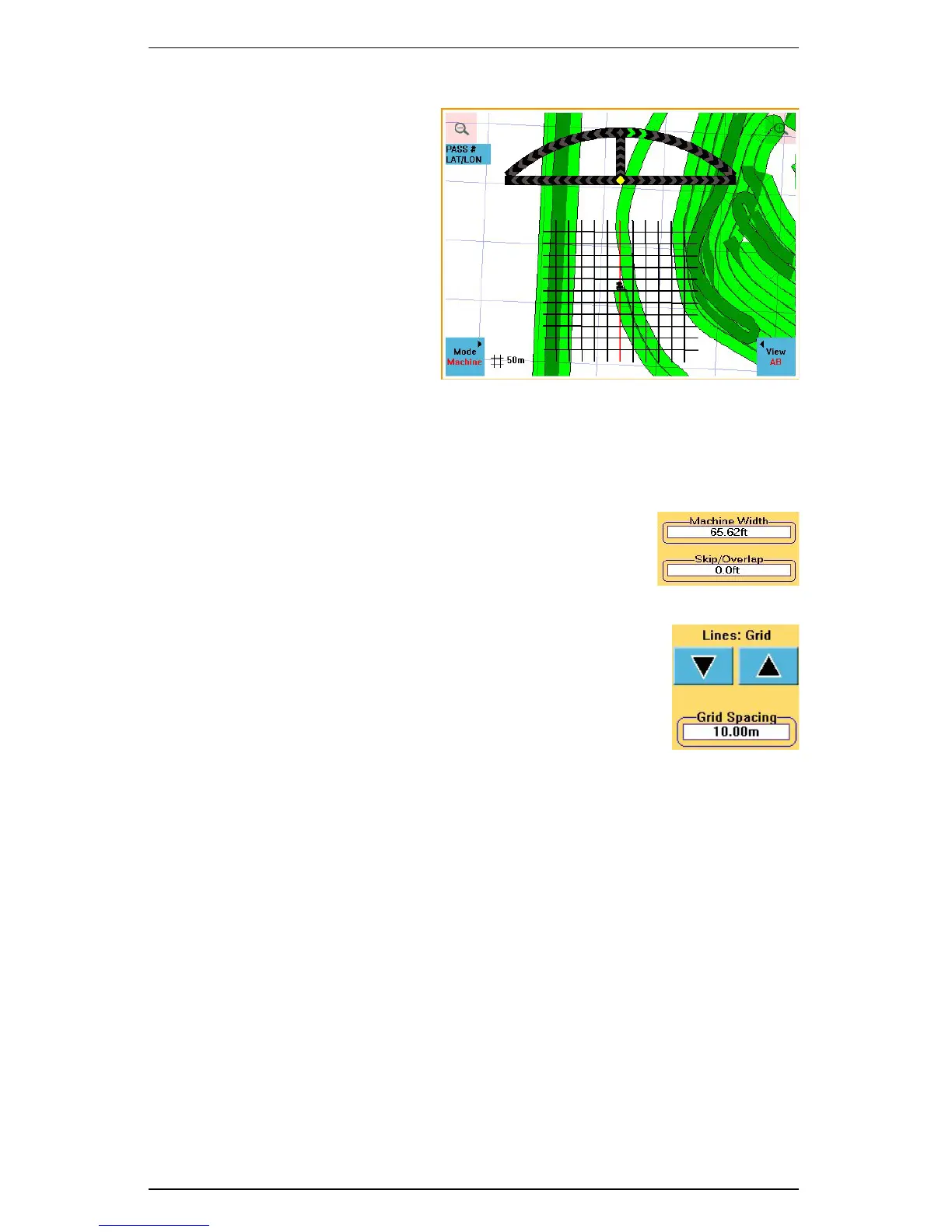
Grid lines are useful if you need to
guide from point to point on a grid
in successive order (such as for soil
sampling, tree planting or staking
out regular areas).
Grid areas are defined by the
parallel A-B lines going in one
direction and 90
° grid lines in a
crossing pattern. The A-B line
establishes the direction of the pass
lines and the “A” point establishes
the first ‘crossing’ point. The
spacing between the pass lines is
equal to the swath width. The
distance between the grid lines is
based on the value set in the Grid
Spacing field on the Vehicle screen.
Setting Up a Grid Pattern
1. Enter the machine width in the Machine Width field on
the Vehicle screen.
2. If any skip or overlap is required enter its value in the
Skip/Overlap field. The S3 adds this value to the
Machine Width value to calculate the Swath Width.
3. Toggle the arrows on the Lines field (on the Vehicle
screen) to Grid. This activates the Grid Spacing field.
4. Touch the Grid Spacing field to display the Edit Grid
Spacing window, enter a value, and then touch OK.
5. Set an A-B line in the desired direction, with the A
point indicating where the first grid line will appear.


 To Next Page
 Loading...
