CHARGING STUFF
Charging your devices:
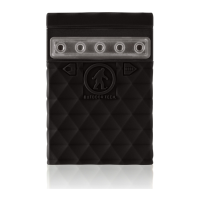
1. Connect the USB Port cable to the Kodiak Plus 2.0
output port.
2. Connect the other port to your device.
3. Press the power button for about 1 second, the LED
battery indicator will display the battery level
when the Kodiak Plus 2.0 is turned on.
4. When your device is fully charged, disconnect
the Kodiak Plus 2.0.
3


 To Next Page