10400359-004 ©2011-2014 Overland Storage, Inc. Page 5 of 5
http://support.overlandstorage.com
You can get additional technical support on the Internet at the Overland Storage Support web page, or by contacting Overland Storage using
the information found on the Contact Us page on our web site.
Add-on/Spare DIMM Instructions
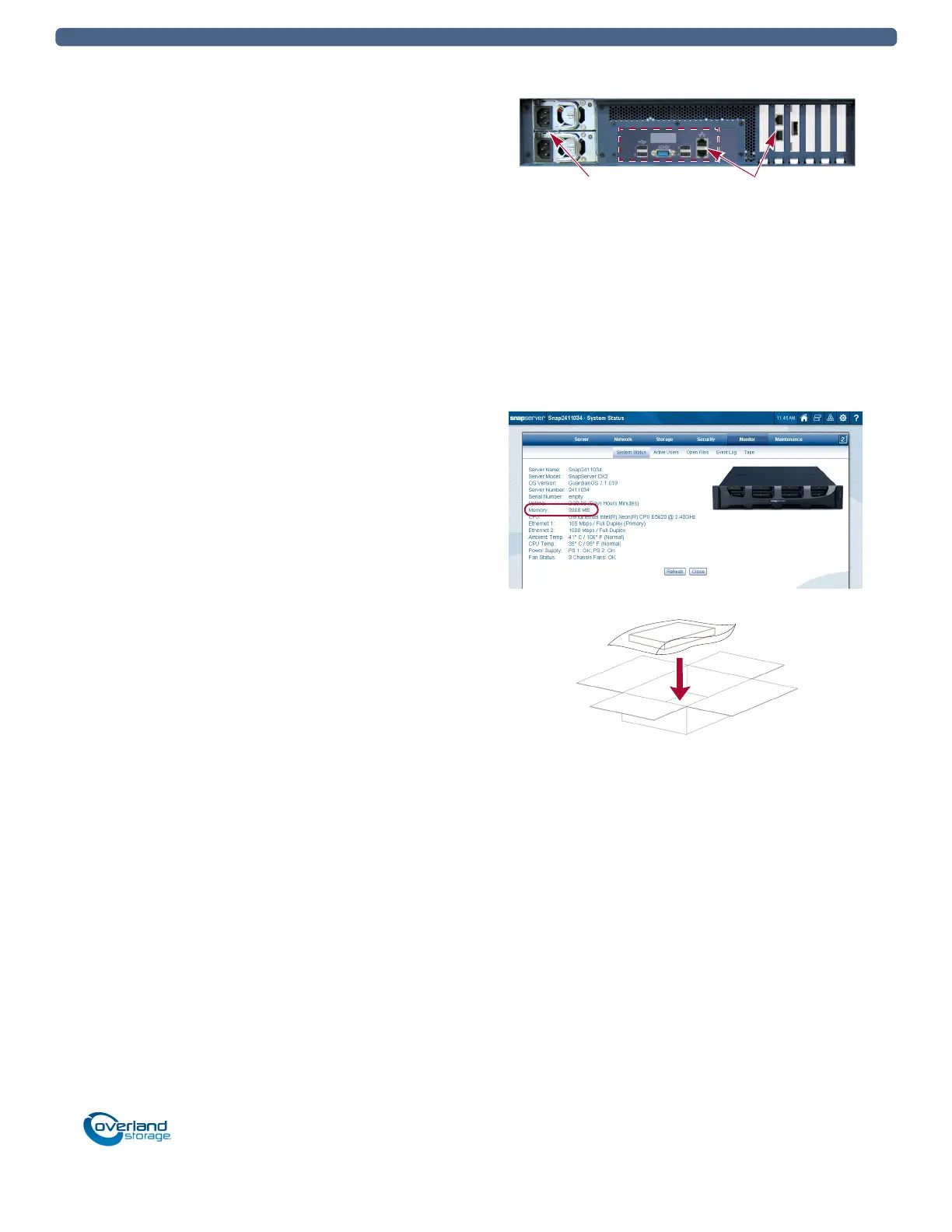
Reattach Cables and Power Cords
1. Reattach all cables to the same connections as before.
2. Attach the power cords.
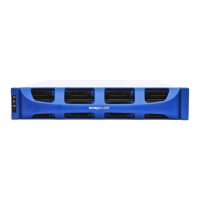
3. At the front, press the power switch to power it ON.
For SnapScale, depending on the shutdown procedure
used:
• After adding memory to all nodes, at the front of
each node in the cluster, press the power switch to
power each node ON.
• After adding memory to a single node only, press the
power switch to power ON that node. When it
finishes booting, the node rejoins the cluster and
rebuilds peer sets. Let all peer sets complete their
rebuilding process before reconfiguring any
additional nodes.
Verify Memory
1. In the Web Management Interface, go to
Monitor > System
Status
.
2. Verify the Memory amount is correct.
The usual DIMM memory GB rounding variations apply.
If necessary, click Refresh to display the current settings.
3. Click Close.
Return Old Part to Overland
1. Place the old part in the anti-static bag and put it in the
replacement part’s box.
2. Use an RMA to return the part to Overland Storage.
For return shipping details and RMA number, go to:
http://docs.overlandstorage.com/return-instructions
Power Sockets
Cable Ports
SnapScale X2


 To Previous Page