EN
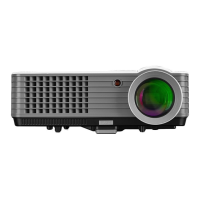
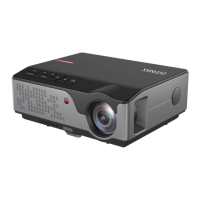
Upper and lower part of the projector (fig. 2)
1. Panel
2. Label
3. Projector assembly holes
4. Base adjustment
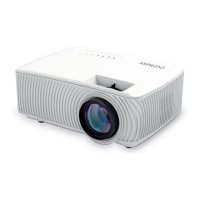
Panel (fig. 3)
1. ON/OFF switch
2. Exit key
3. OK key
4. Direction key (up)
5. Direction key (down)
6. Direction key (left)
7. Direction key (right)
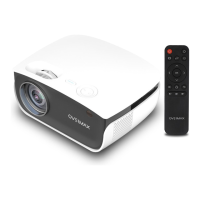
Remote control (fig. 4)
1. On/o key
2. Select source
3. Direction keys
4. Menu
5. Homepage
6. Volume up
7. Volume down
8. Mute
9. Rotate projection screen
10. Confirm key (Play/pause)
11. Exit
12. Previous slide
13. Next slide
How to install
Standard settings
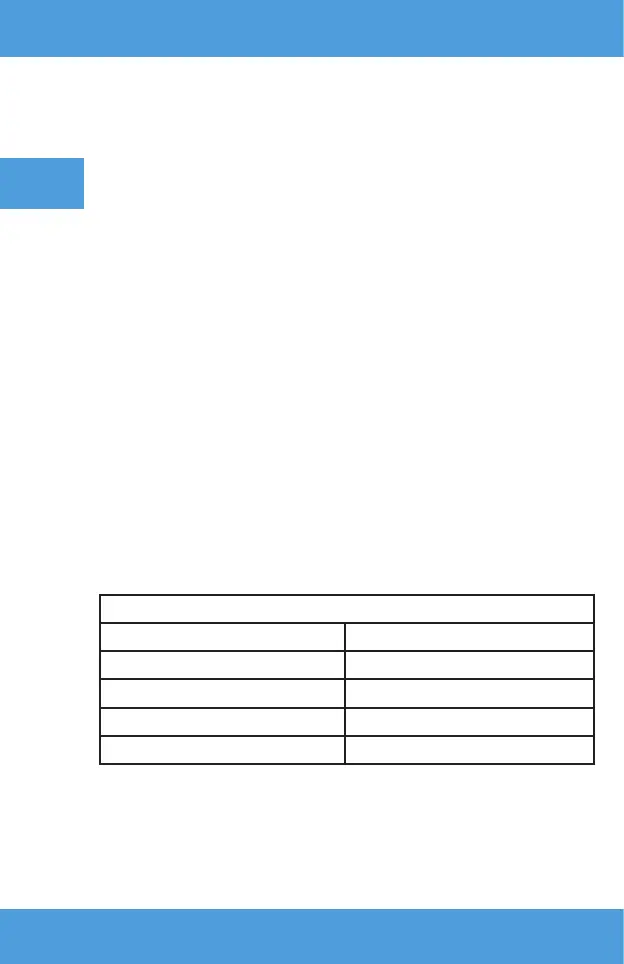
Please see the table below to adjust size of image and distance of projector.
Aspect ratio 16:9
Image size (inches) Distance (m)
50 1.70
70 2.38
100 3.30
120 3.97
If the distance between the projector and screen is lower than minimum or
is too large, the image may be blurred.


 To Next Page