EN
Problem Possible causes
3. No image No input signal
Input cable is not connected
In PC mode the PC output
frequency is not 50-60 Hz. Make
sure the PC output is connected to
projector
If you use laptop, check if output
signal is HDMI1 or HDMI2
Projector ventilation is blocked
4. Automatic shut-down Voltage is not stable
Projector is overheated, check if
fan (13) is not damaged
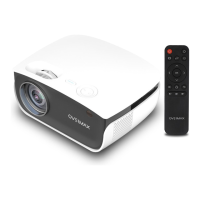
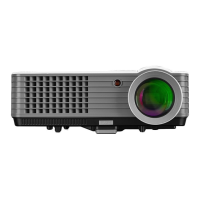
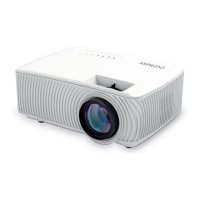
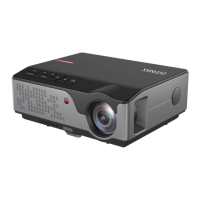
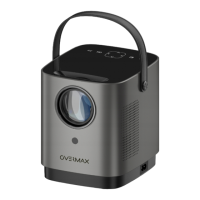
The pictures are for reference only. The real design of the products may dier from
the pictures presented.


 To Next Page