Page #11OWC Mercury Optical Drives Installation Manual
Installation into a 667MHz (DVI) or later with combo drive.
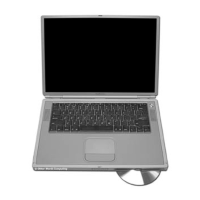
Upon removing the bottom shell of the PowerBook, you will see the optical drive on the
left side of the computer. Turn the machine so the drive is oriented facing you, as shown
in this picture. There are a number of cables and connectors you need to unhook to
remove this drive. The cards attached to the drive brackets are a modem (left) and the
inverter board for the display (right).
Begin removing the drive by gently lifting up on the ribbon cable attached to the inverter
board, circled here.


 To Next Page