Need help?
Do you have a question about the OWC Thunderbolt 2 Dock and is the answer not in the manual?
Specifies the minimum hardware and OS prerequisites for using the OWC Thunderbolt 2 Dock.
Informs users about potential variations between the manual and the shipped unit.
Lists all items included in the OWC Thunderbolt 2 Dock box.
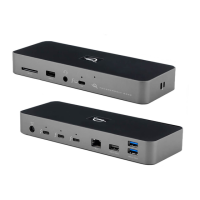
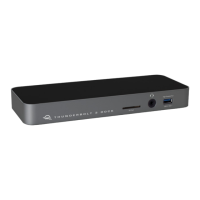
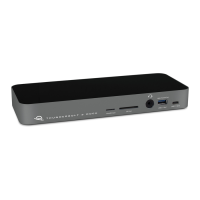
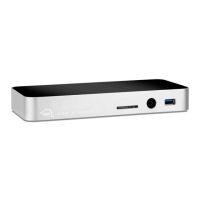
Details the LEDs and their functions on the front of the dock.
Describes the USB 3.0 high-power ports located on the side of the dock.
Explains the various ports on the rear of the OWC Thunderbolt 2 Dock.
Covers connection procedures and important operational notes for the dock.
Provides guidance for resolving issues and contacting technical assistance.
 General
| Thunderbolt 2 Ports | 2 |
|---|---|
| USB 3.0 Ports | 5 |
| Power | 85W |
| Data Transfer Rate | 20 Gbps |
| Power Supply | External |
| Weight | 2.2 pounds |
| Compatibility | Mac and Windows |

 To Next Page