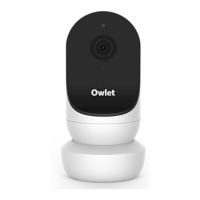
Oxygen Notification will occur when the measured Oxygen Saturation level goes below 80%. New devices have the Health
Notifications function disabled by default and it must be manually enabled.
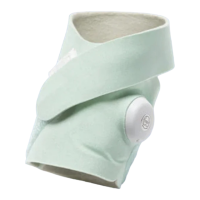
Dream Sock Health Notifications function can be enabled via the Sock settings in the Owlet Dream App. If the App detects the Health
Notifications function is disabled, a banner is displayed on the Home Page confirming Health Notifications are disabled. Once in Sock
settings, you can begin the process to enable the Health Notifications function by tapping the toggle button [to the “on” position]. The
Caregiver will then need to complete required learning about Health Notifications and how to respond to each different priority
notification. It is required that the Caregiver tests these notifications to complete the enabling process.
Once the required learning is completed, the Health Notifications function will be enabled. Health Notifications will remain enabled
until they are manually disabled. The required learning can always be reviewed in the Sock settings.
Dream Sock Health Notifications function also includes historical charts and graphs for 10-minute average Pulse Rate and 10-minute
average Oxygen Saturation level, sleep and movement under the history tab.


 To Next Page