7.5.1 Using Oxygen and Pulse Rate History
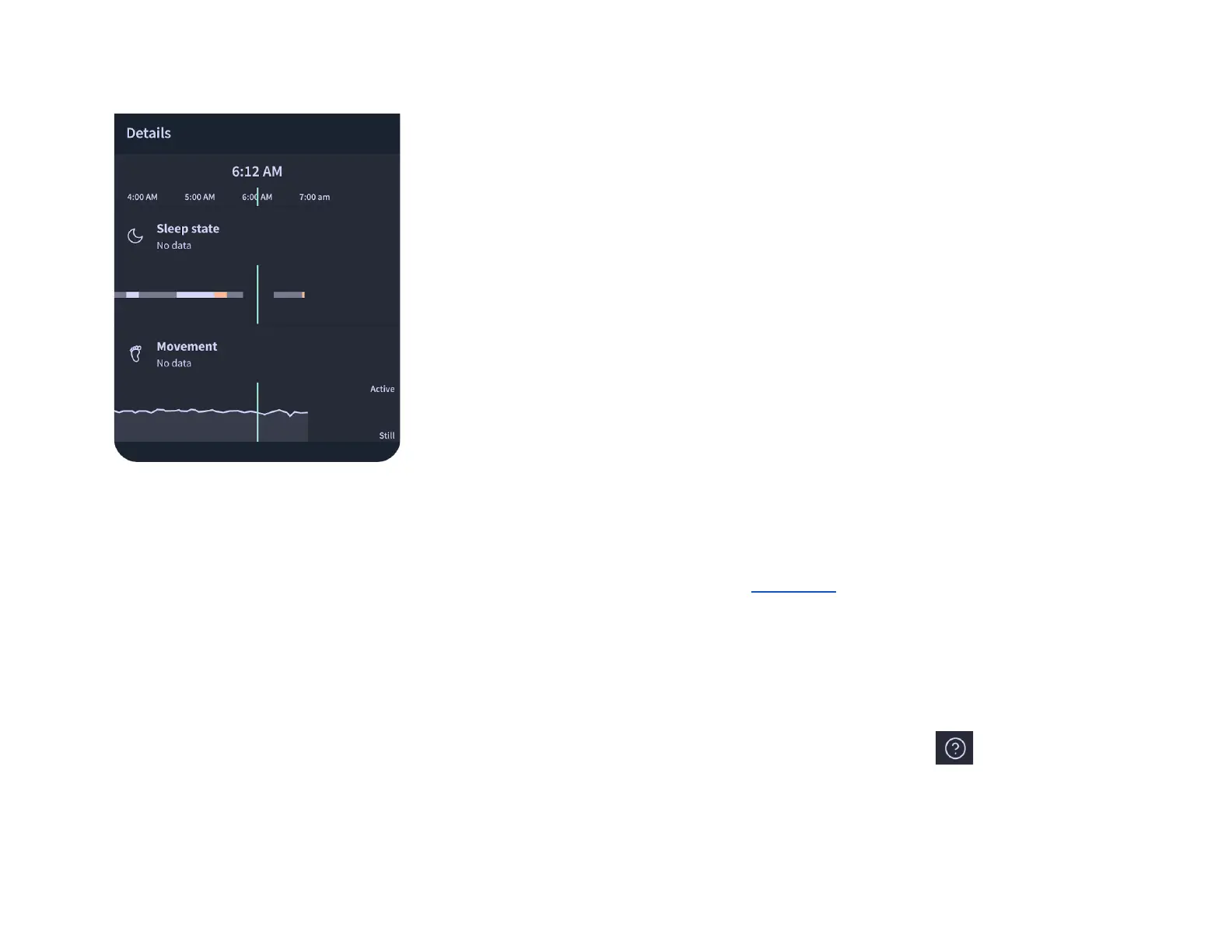
Enabling the Health Notifications function allows Caregivers to view historical sleep session data and graphs for Pulse Rate and
Oxygen Saturation levels. This feature must be turned on following instructions from Section 5.3 . Historical graphs provide a full
visual review of Pulse Rate and Oxygen Saturation levels throughout the session allowing you to focus on changes from baseline
levels and may be more meaningful than one single measurement. The graphs allow you to view the 10-minute averages of Pulse
Rate and Oxygen Saturation.
Measurements should be interpreted thoughtfully considering other signs, symptoms and health history, otherwise the measurement
may be misleading.
The Owlet Dream App has tooltips that can be used as a quick reference by tapping the help question mark. The History page
tooltips have a quick reference table for normal historical Oxygen Saturation and Pulse Rate values for children based on age.


 To Next Page