18
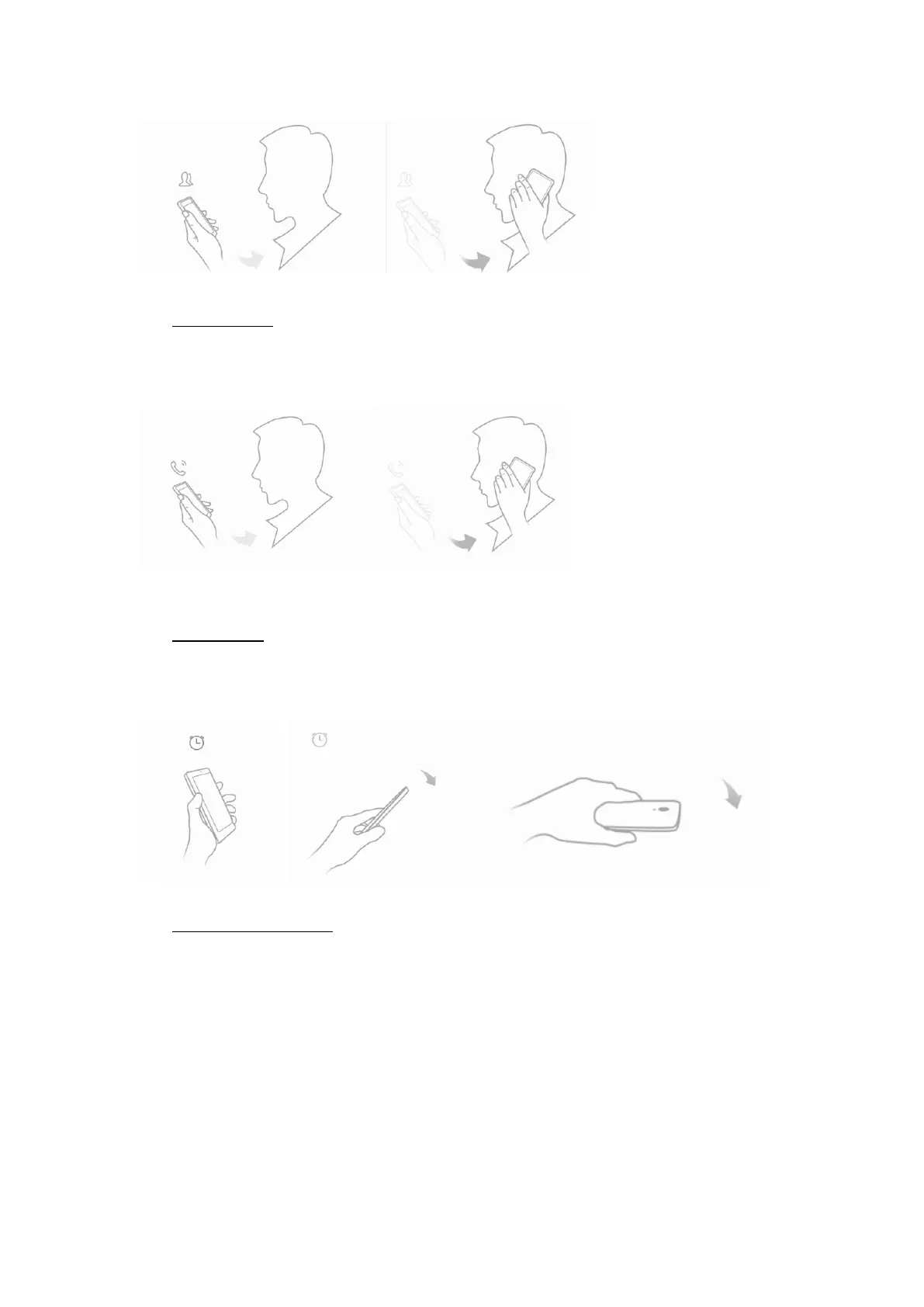
Smart answer
Settings--> More settings --> Smart Gestures -->Select Smart answer
Take the phone to your ear so it will answer the incoming call automatically.
① ②
Pause alarm
Settings--> More settings --> Smart Gestures -->Select Pause alarm
Flip back the phone to pause an on-going alarm.
① ②
Black screen gestures
Settings--> More settings --> Smart Gestures --> Select Black screen gestures
Draw pattern to access menu quickly while phone is on sleep mode.


 To Next Page