7
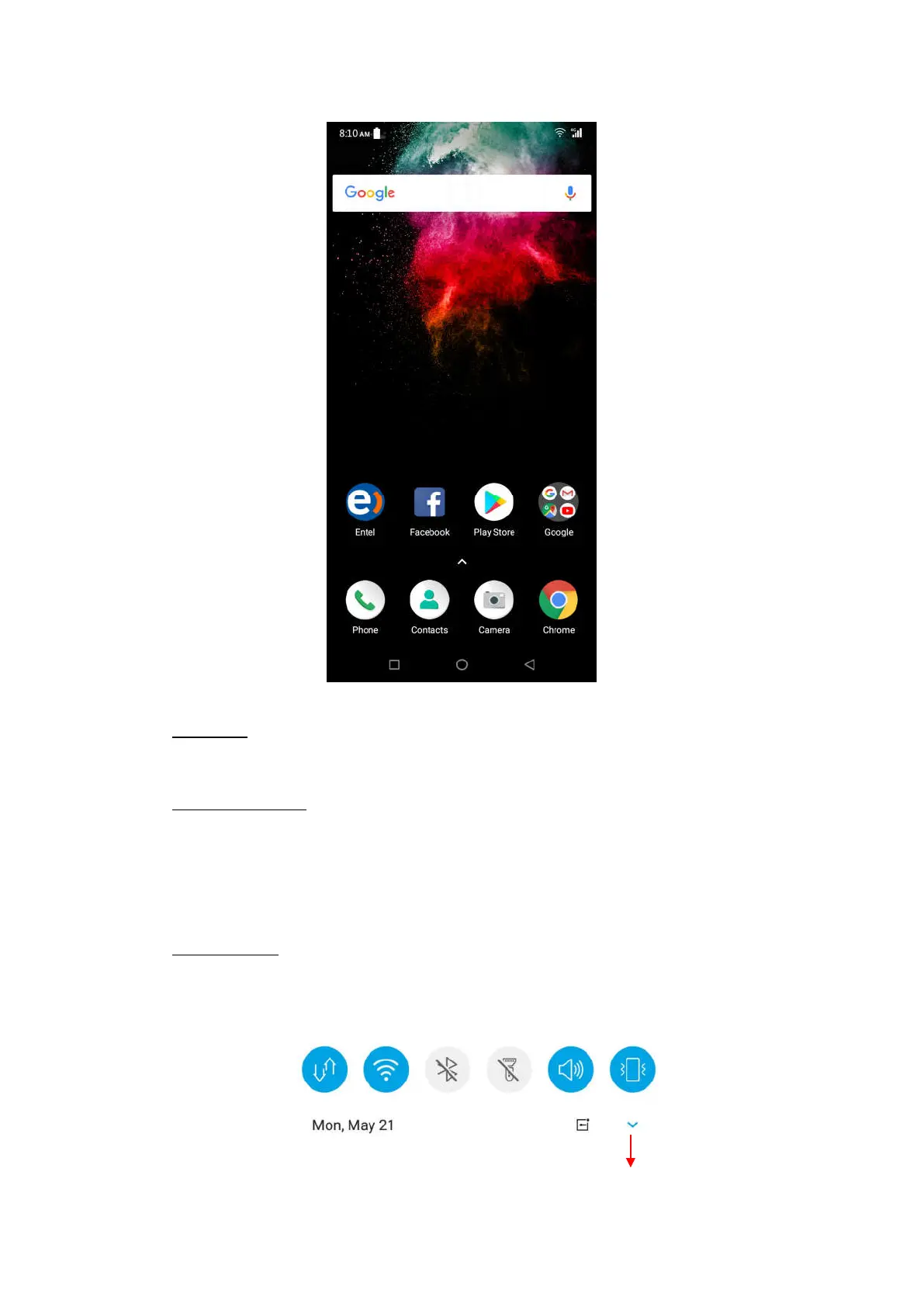
Status Bar
At the top of the screen, it displays the time, signal, battery information.
Notification Center
Swipe down from the top edge to see more details of the new notification, such as
messaging, missed call, Wi-Fi network available etc. Tap the notification and drag to
left or right to delete it.
Settings-->Notification-->Notification Center to manage it.
Control Center
Slide down from the top edge to open the control center.
In the control center, it’s a quick access to Mobile data, Wi-Fi, Bluetooth, Flashlight,
Sound and Vibrate.
Tap to see more functions


 To Next Page