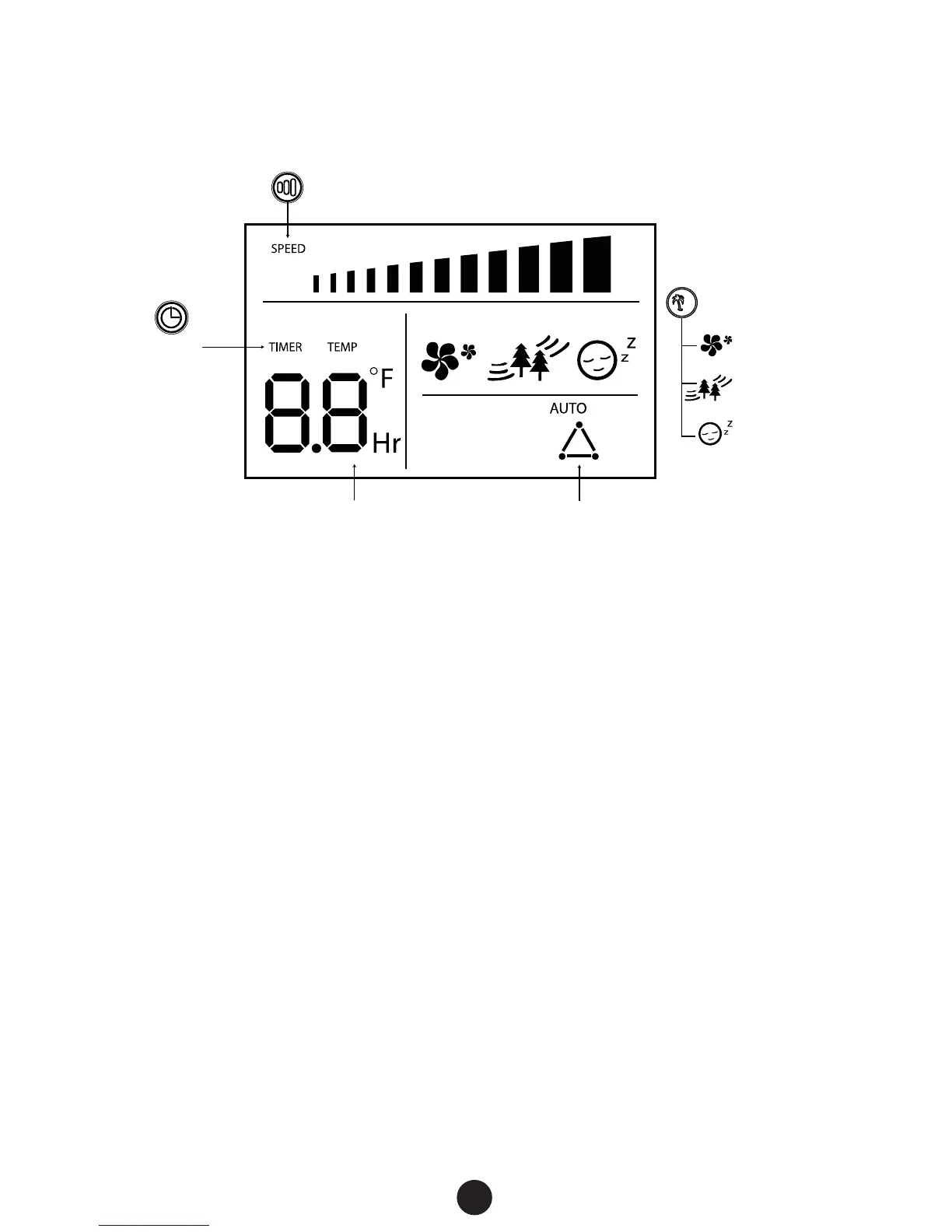
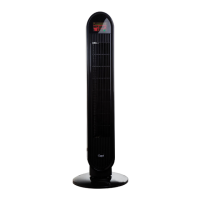
Color LED Display
Note: For fans purchased in the USA, the LED screen will display the
room temperature in Fahrenheit.
Guidelines for user servicing
7
Wind Speed: Slow, Med, High
Timer
Temperature Thermostat
Mode:
Normal
Nature
Sleep
MODE
1. Grasp plug and remove from the receptacle or other outlet
device. Do not unplug by pulling on cord
2. Open fuse cover. Slide open fuse access cover on top of
attachment plug towards blades or Push on tabs located next
to the blades
3. Remove fuse carefully.
4. Risk of re. Replace fuse only with 2.5 Amp, 125 Volt fuse.
5. Close fuse cover. Slide closed the fuse access cover on top of
attachment plug, or Push cover closed so that all tabs latch
6. Risk of re. Do not replace attachment plug. Contains a safety
device (fuse) that should not be removed. Discard product if
the attachment plug is damaged.


 To Next Page