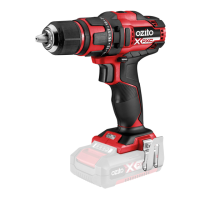
2. KEYLESS CHUCK 3. CONTROLS
OPERATION
Forward/ Reverse Lever
Adjusting Torque
Variable Speed Trigger
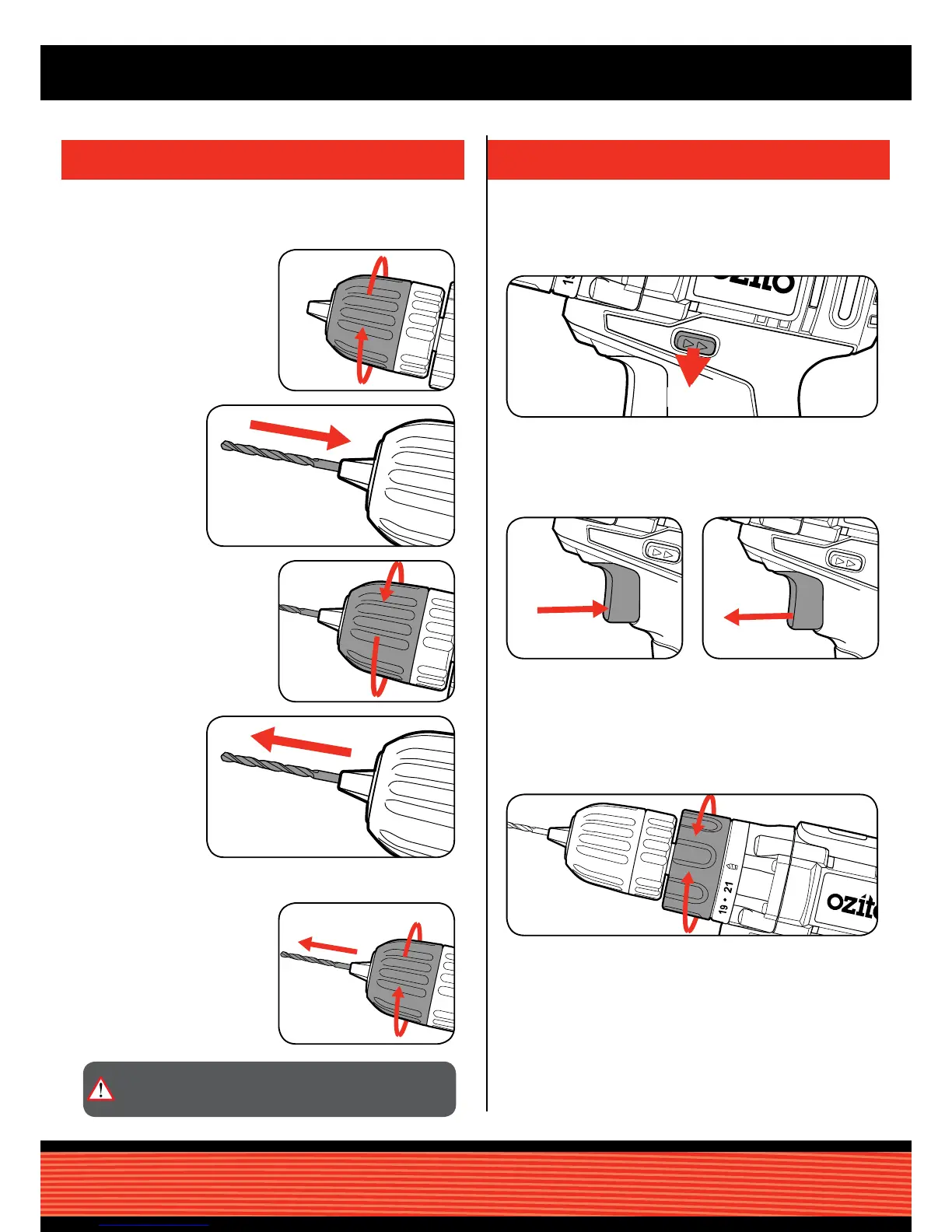
1 For forward rotation, push the fwd/rev lever towards the left side of
the drill. For reverse rotation push fwd/rev lever to the right.
1 Rotate the torque collar to the desired setting.
1 To start drilling squeeze the
variable speed trigger.
2 To stop drilling release the
trigger.
Installing a Drill Bit
Removing a Drill Bit
1 Rotate the chuck collar anti-
clockwise to open the chuck
1 Open the chuck by rotating the
chuck collar and remove the
frill bit.
3 Tighten the chuck by turning
clockwise.
2 Insert the drill bit,
making sure it
is centred in the
chuck.
4 Pull on the bit to
ensure it is rmly
secured.
Note: The more the variable speed trigger is depressed, the
faster the drill bit will rotate.
Note: Selecting a higher torque setting will allow the drill to
use more torque to drive the screw in or out. To prevent
damaging the screw head, it is recommended to start at
a low torque setting and increase when necessary.
CAUTION: TO REDUCE THE RISK OF INJURY WE
RECOMMEND THE USE OF GLOVES WHEN HANDLING
DRILL BITS.
WARNING! Ensure the tool is turned off & disconnected from the
power supply before performing any of the following operations.



 To Next Page