14
To ensure that the user is using the machine correctly after installation, the following items should be shown to the
user;
It should be shown how to cut off the electricity and water supply in case of emergency.
Turning on the machine
Working with machine
Water discharge process
Turning off the machine
5.2 Operation:
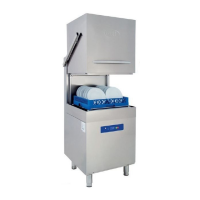
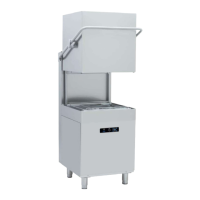
5.3 Description of the Appliance
Unlike domestic appliances, industrial dish and glass washers are designed for almost uninterrupted operation.
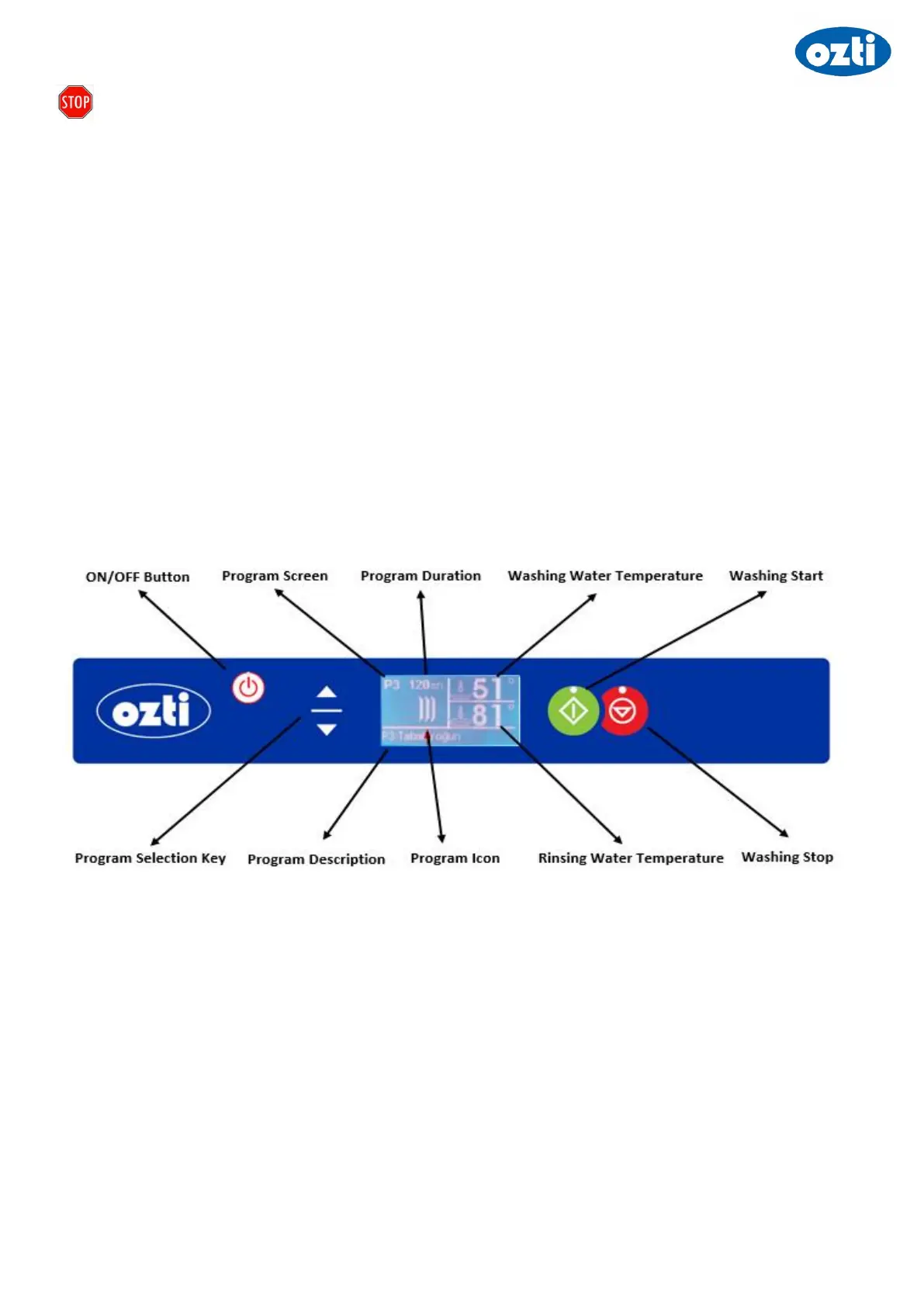
5.4 Control Panel
Before starting the appliance, first get familiar with the control buttons and signal lamps on the front panel. In addition,
get familiar with the location of power and water cut-off switches.
5.5 Starting the Appliance
Make sure that power, water and drain connections are installed. Press the “On-Off Switch” on the front panel. LCD
screen will turn on. Press on the ‘Washing Start’ switch for intake the water. Appliance will automatically start to take
water. Once the set water amount is reached, heating will start automatically. Appliance heats first the boiler and then
the washing tank water. Washing operation will not start until washing temperature reaches ‘Factory Settings’.
5.6 Initial Preparation for Use:
At initial start of the appliance everyday, wait 25-30 min (depending on the dishwasher model) for the supplied water
to warm up. After the water temperature reaches ‘Factory Settings’,warning sound will ring. Appliance is designed to
function efficiently when proper temperatures are reached. If the temperatures are decreased, wait for the appliance
to reach proper temperature before starting a new wash cycle.
4- Tank Heater Signal
Lamp



 To Next Page