15
5.7 Starting a Wash Cycle
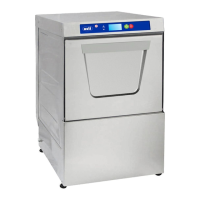
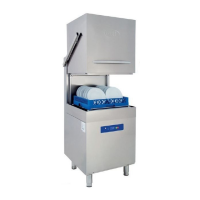
Open the door, load the first basket and check that upper and lower arms turn freely. For selecting the program, press
the ‘Washing Stop’ switch. After, use the “Program Selection Key” to select a program (52 sec, 102 sec, 132 sec, 152
sec or 192 sec) considering the dish type and dirt level, and press the “Washing Start” button to run the program
selected. Washing process time will countdown on LCD screen. Once washing cycle is complete, rinsing cycle is started.
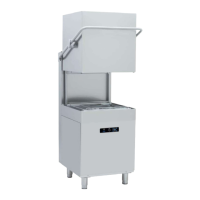
İf the cover of the machine is opened for the any reason, washing operation will stop. After closing cover the washing
program will resume. After finishing of the washing operation warning sound will ring. Open the door, pull out the
basket accommodating washed dishes and load a new basket. Close the door and start a new wash cycle.
Note: It is recommended to operate the appliance at an ambient temperature range of 5°C - 40°C, and ambient
moisture of 65%.
5.8 5.8 Draining:
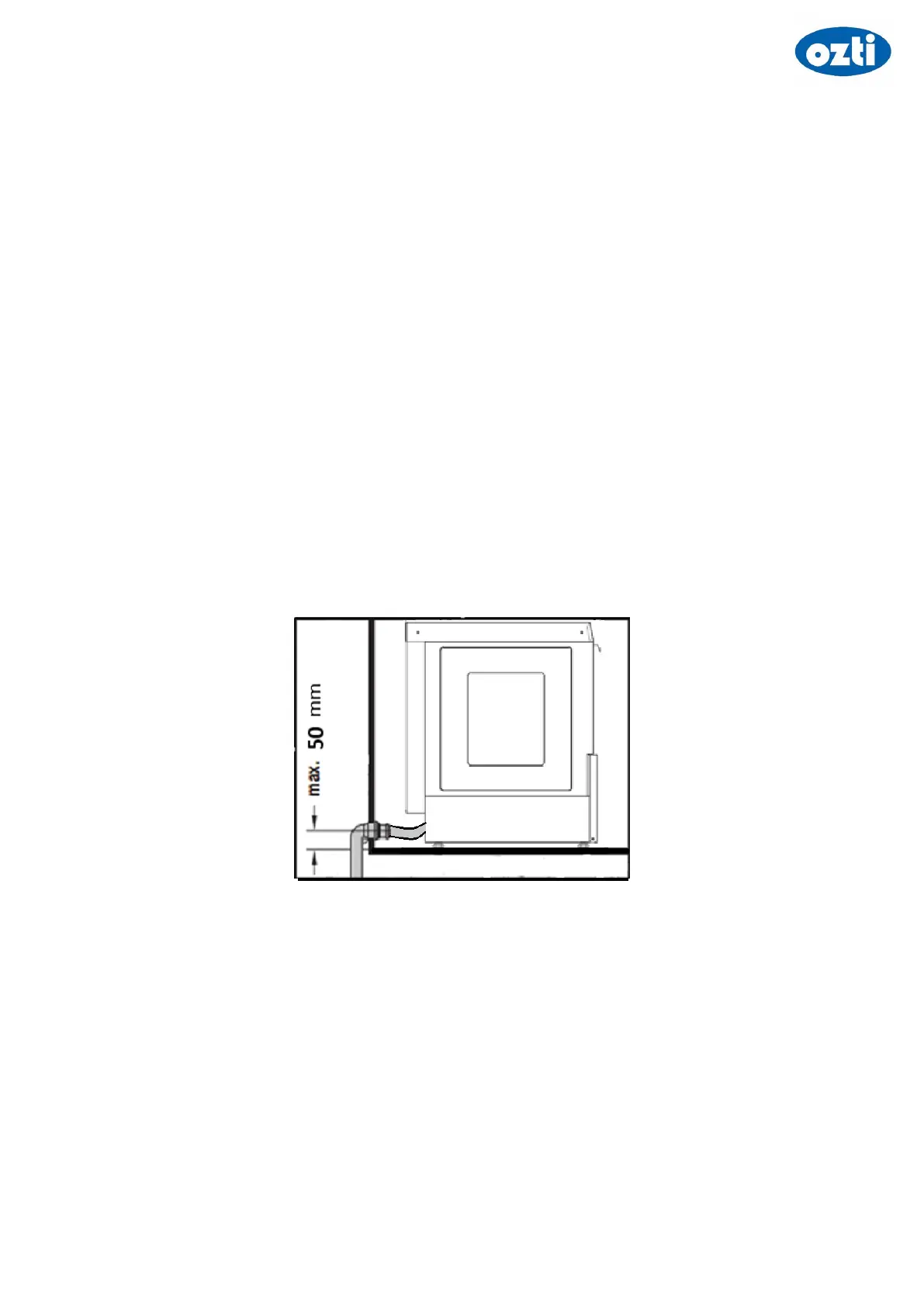
Excess water will automatically be drained during the operation. At the end of the day, leave the appliance with its
door open for draining and drying. At the end of the cycle, always bleed the boiler water before switching off the
appliance.
5.8.1 Models without Drain Pump (Drain by Gravity):
Turn off the appliance from the control panel. Open the appliance’s door and remove the drain plug in the tank. Now,
machine must start draining. Once draining is complete, re-place the drain plug. Turn off the mains water and power
supply of the appliance.



 To Next Page