© 2018 AAMP Global. All rights reserved. PAC is a Power Brand of AAMP Global.
PAC-audio.com
Pacific Accessory Corporation
Rev. 032818
Vehicle Specic Instructions for use with RadioPRO ADVANCED
In Select 2003-2006 Chevrolet / GMC Trucks and SUVs
VS41
Installation Steps
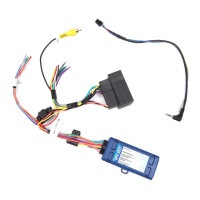
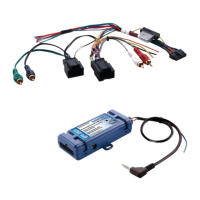
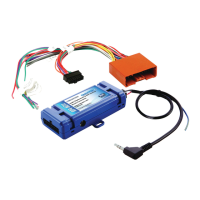
1. Connect the 10-pin expansion plug to the GM1A interface.
2. Wire up all the triggers and inputs as indicated in the chart on page 1.
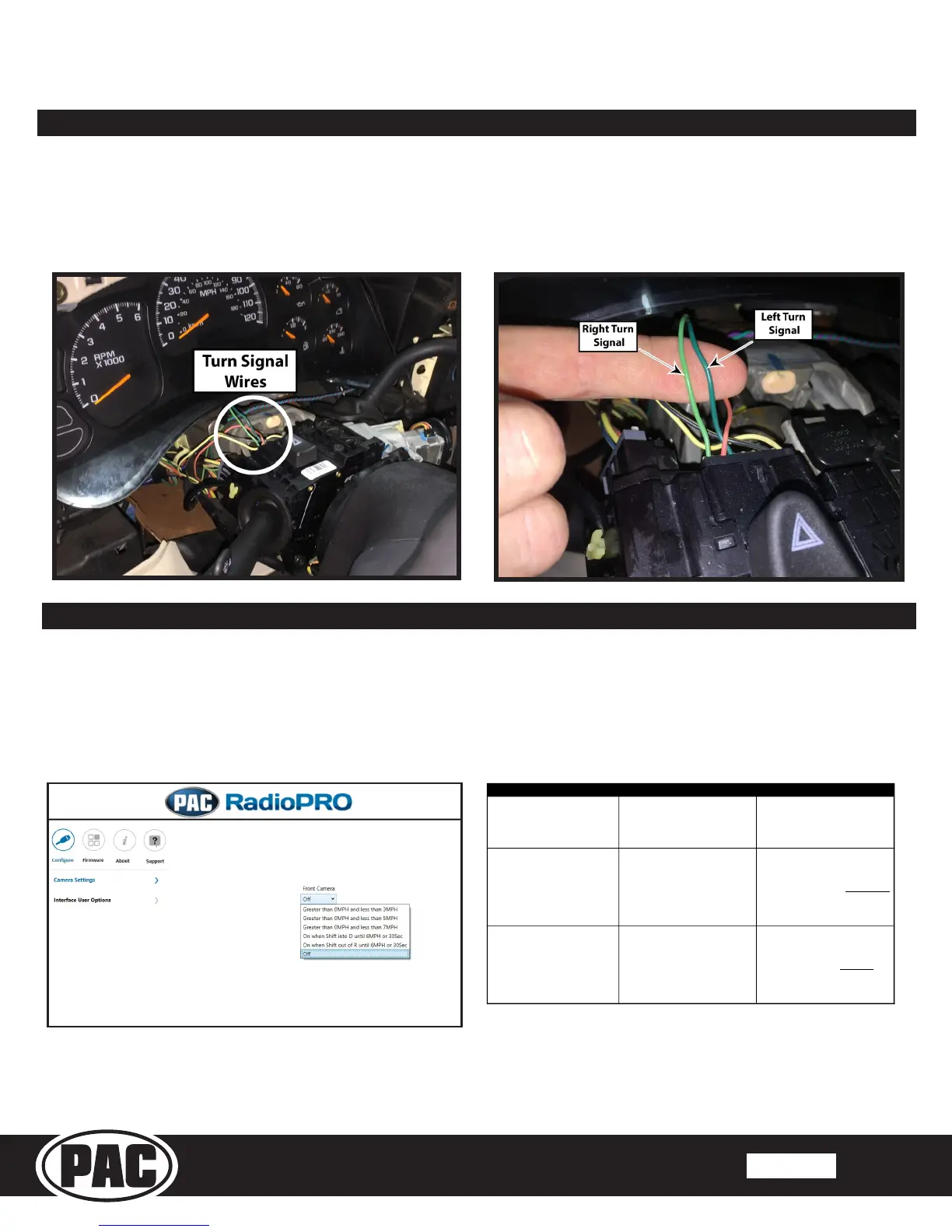
3. See diagrams below for location of turn signal wires.
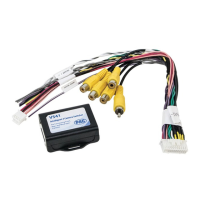
4. Once connected, verify all cameras are showing properly. The front camera behavior can be setup using the RadioPRO app.
Please see the next section for more details on the RadioPRO app.
Fig. A Fig. B
RadioPRO App
Use of the RadioPRO App allows you to do the following:
• Set the behavior of the front camera
Connect the GM1A interface to the PC and select the behavior of the front camera. Use the chart below to understand how
each mode works. The GM1A does not have to be connected to power or in the vehicle to access camera settings.
Greater than 0MPH and less
than *xMPH
This will activate the camera
input whenever the vehicle is
going faster than 0 mph or less
than the designated number.
*Options are: 3 mph, 5mph, or 7
mph.
On when Shift into D until
6MPH or 30Sec
This will activate the camera
input whenever the vehicle is
placed into Drive. The camera
input will turn off once the
vehicles speed is faster than
6MPH, or after 30 seconds.
This mode should be used in
vehicles that have an automatic
transmission
On when Shift out of R until
6MPH or 30Sec
This will activate the camera
input whenever the vehicle is
shifted out of reverse. The
camera input will turn off once
the vehicles MPH is faster than
6MPH, or after 30 seconds.
This mode should only be used in
vehicles that have a manual
transmission.


 To Previous Page