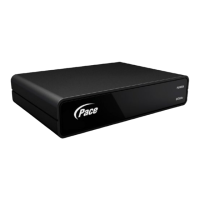
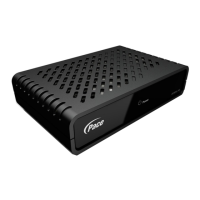
After you install your digital adapter, the only way to change channels
is with the supplied remote control.
If you need further help, for example to program the remote control to
operate your TV, refer to the instructions supplied with the remote control.
6. USING THE REMOTE CONTROL
Following Installation
If you have followed the steps and have picture and sound,
congratulations, you have successfully installed your Pace digital
adapter.
If you are experiencing problems, please consult the “Solving
Problems” guide located to the right.
Note: If your digital adapter requires activation, contact your cable
company.
Enjoy viewing all of your favorite TV shows, movies and sports
games with digital picture and sound.
7. ENJOY DIGITAL TV!



 To Next Page