GETTING STARTED
7
Getting started
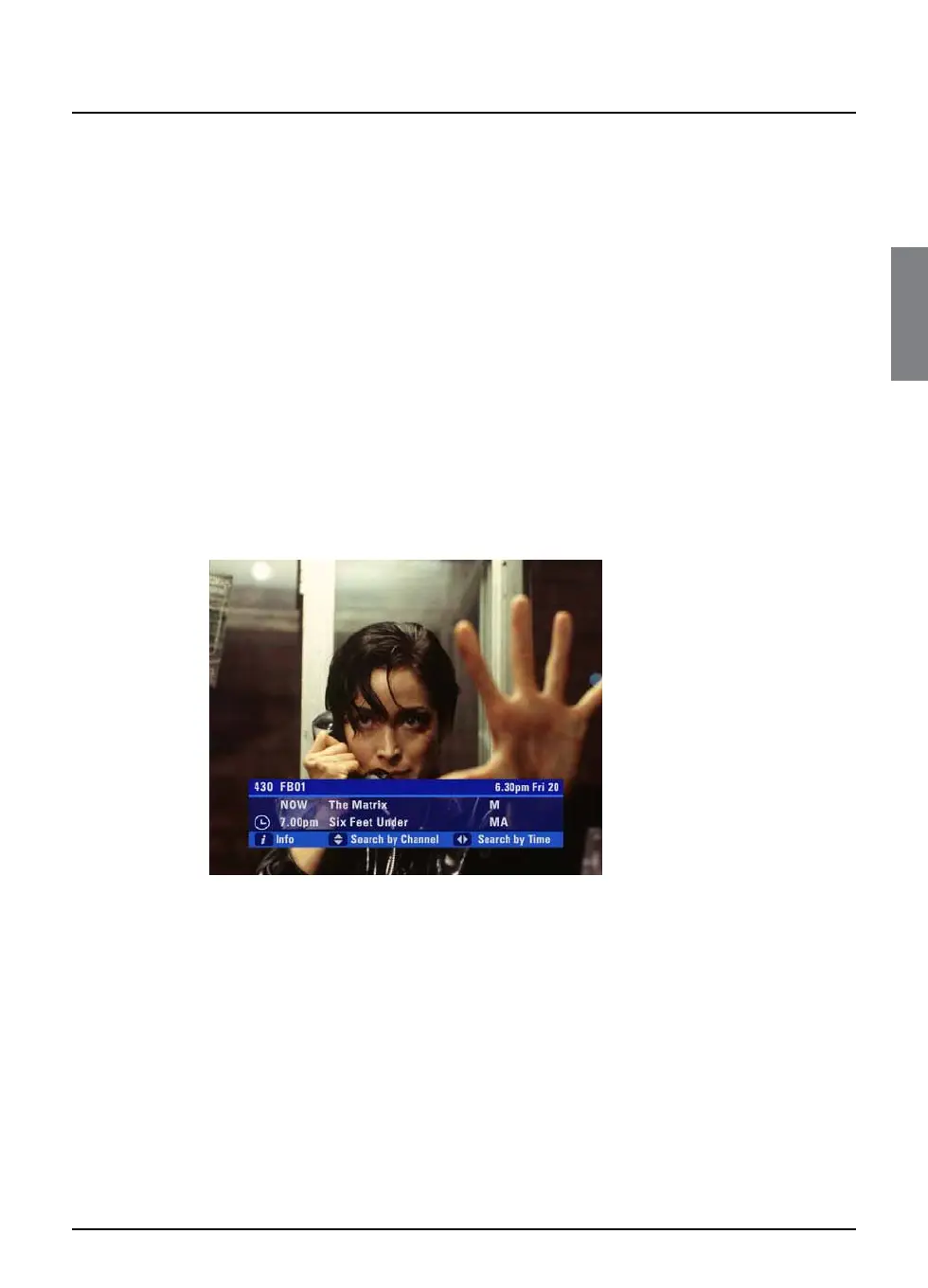
❖ Using the i-search banner
You can display the i-search banner to find out:
◆ what is showing on any channel, now and later on;
◆ more about a programme you are interested in.
You can then use the i-search banner to:
◆ tune to a programme you want to watch;
◆ record the programme you are watching, or a programme on a
different channel;
◆ set a reminder for a future programme;
◆ set your FOXTEL PDR to record a future programme.
While the i-search banner is displayed, you can continue to watch the
current channel.
Displaying the i-search banner
◆ To display the i-search banner, press i (or select).
◆ To see the programmes showing on different channels, press U
or D to scroll through the channels.
◆ To see what programmes are on at different times, for up to the
next six hours, on the channel listed in the i-search banner, press
R or L to scroll through the times.
◆ To display the i-box, to show more information about the
current or next programme on any channel (see page 9), press i
again.
◆ To remove the i-search banner without changing channel, press
FOXTEL, or wait a few moments - it disappears automatically.



 To Next Page