50
Using your FOXTEL Personal Digital Recorder
Setup
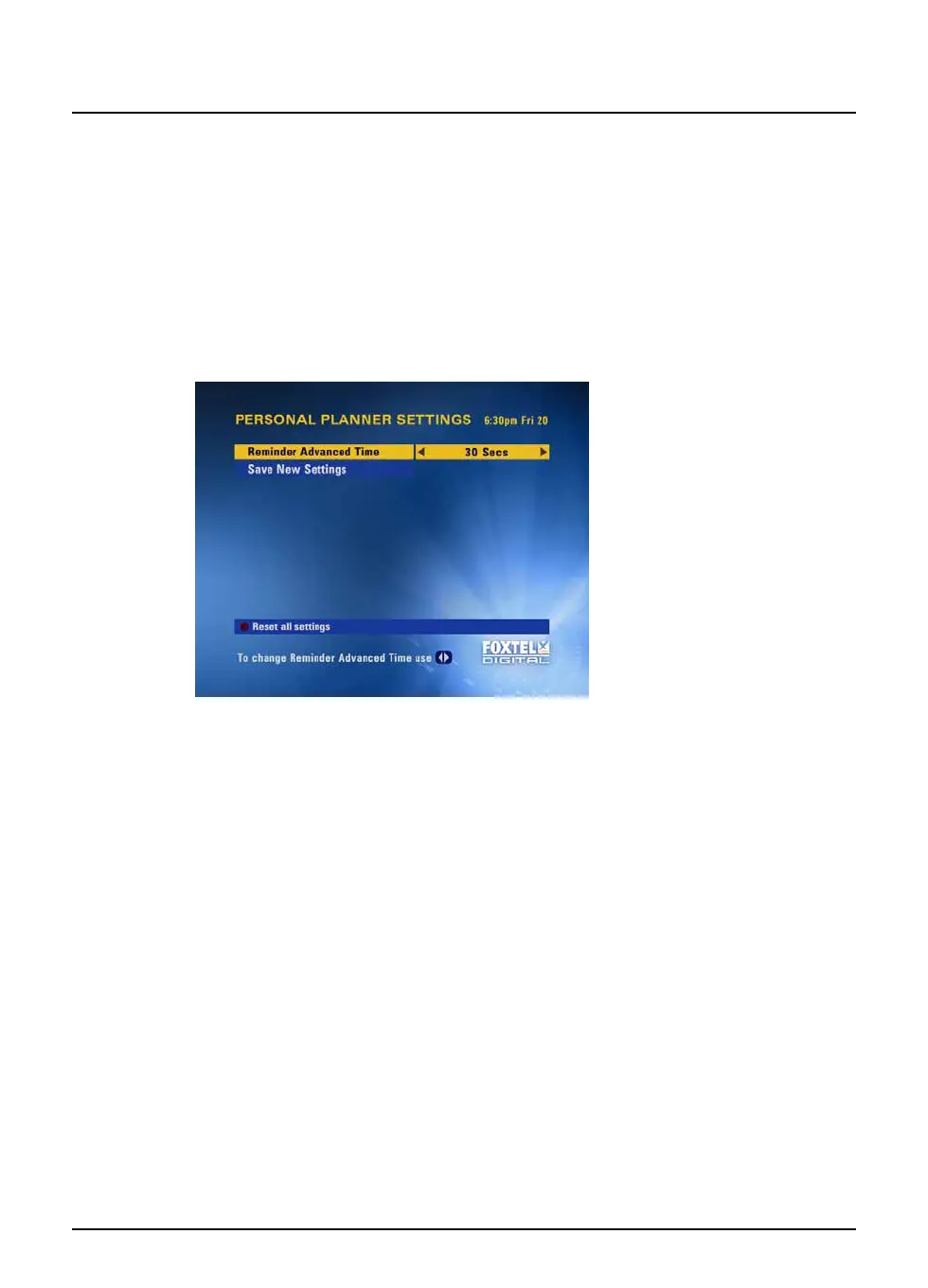
❖ Changing your Personal Planner settings
You use this screen to change the display of your reminders for
programmes in your Personal Planner (see page 21). Reminder
Advanced Time means the length of time before a programme starts
that its reminder appears.
You can change your Personal Planner settings as follows:
1. On the Setup screen, highlight ‘Personal Planner Settings’ and
then press select.
2. Use L or R to select the setting you want: 30, 60 or 90
seconds.
3. To confirm any changes, highlight ‘Save New Settings’ then press
select, or to cancel, press back.



 To Next Page