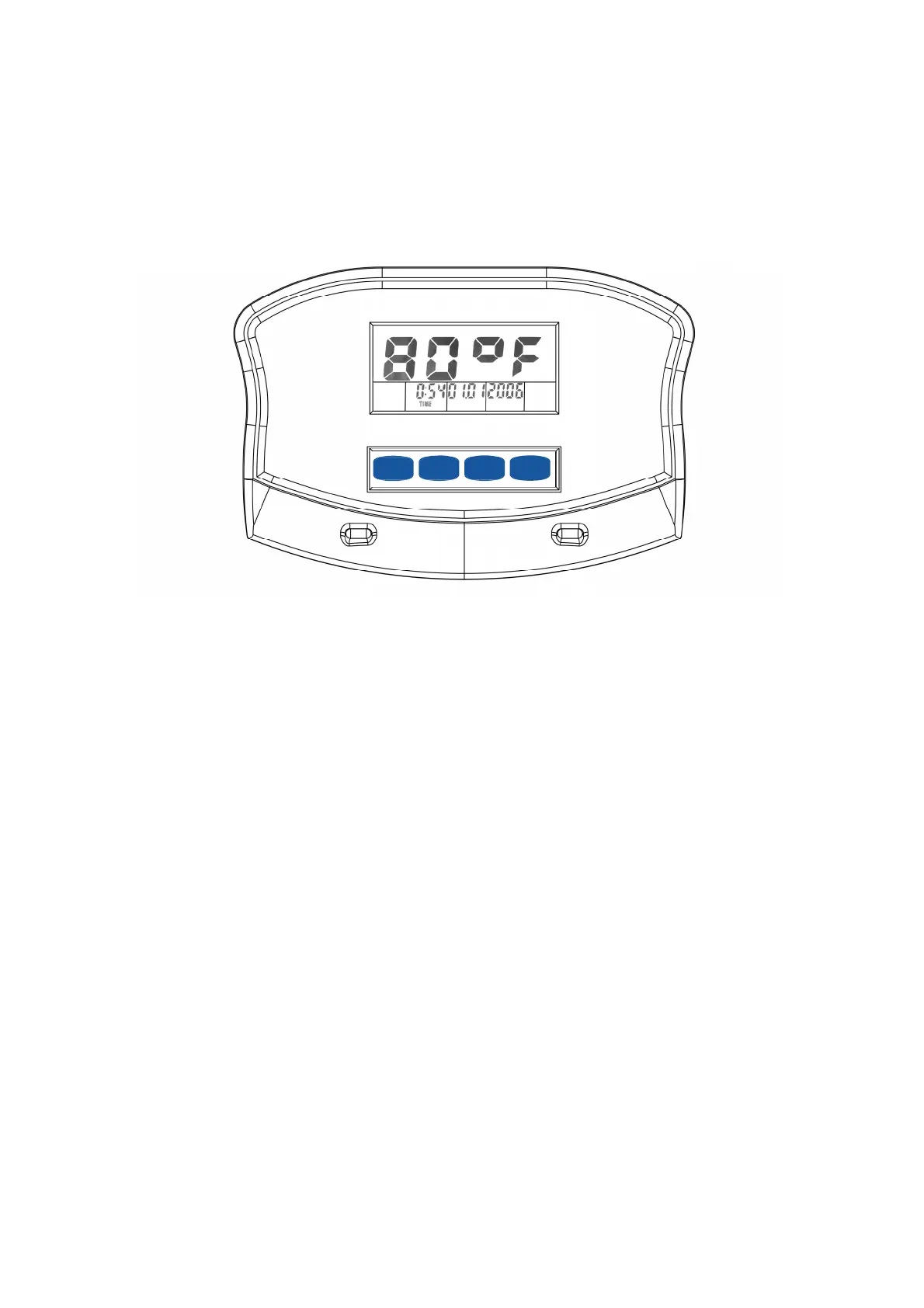
Computer Operation Instructions
HEART RATE
RECOVERY
RESET SET MODE
1. Computer States:
Three states of the Computer:
1. POWER UP State: When the batteries are first installed you will hear a long beep and the entire display will
be illuminated for 2 seconds, it will then prompt you to enter the Time & Date setup mode.
2. SLEEP State: If no pedal movement is detected, and no buttons are pressed for over 3 minutes, the display
will enter the temperature display (sleep) mode.
3. WAKE UP State: By pedaling or pressing any buttons the display enter the display mode.
18


 To Next Page