Button Functions
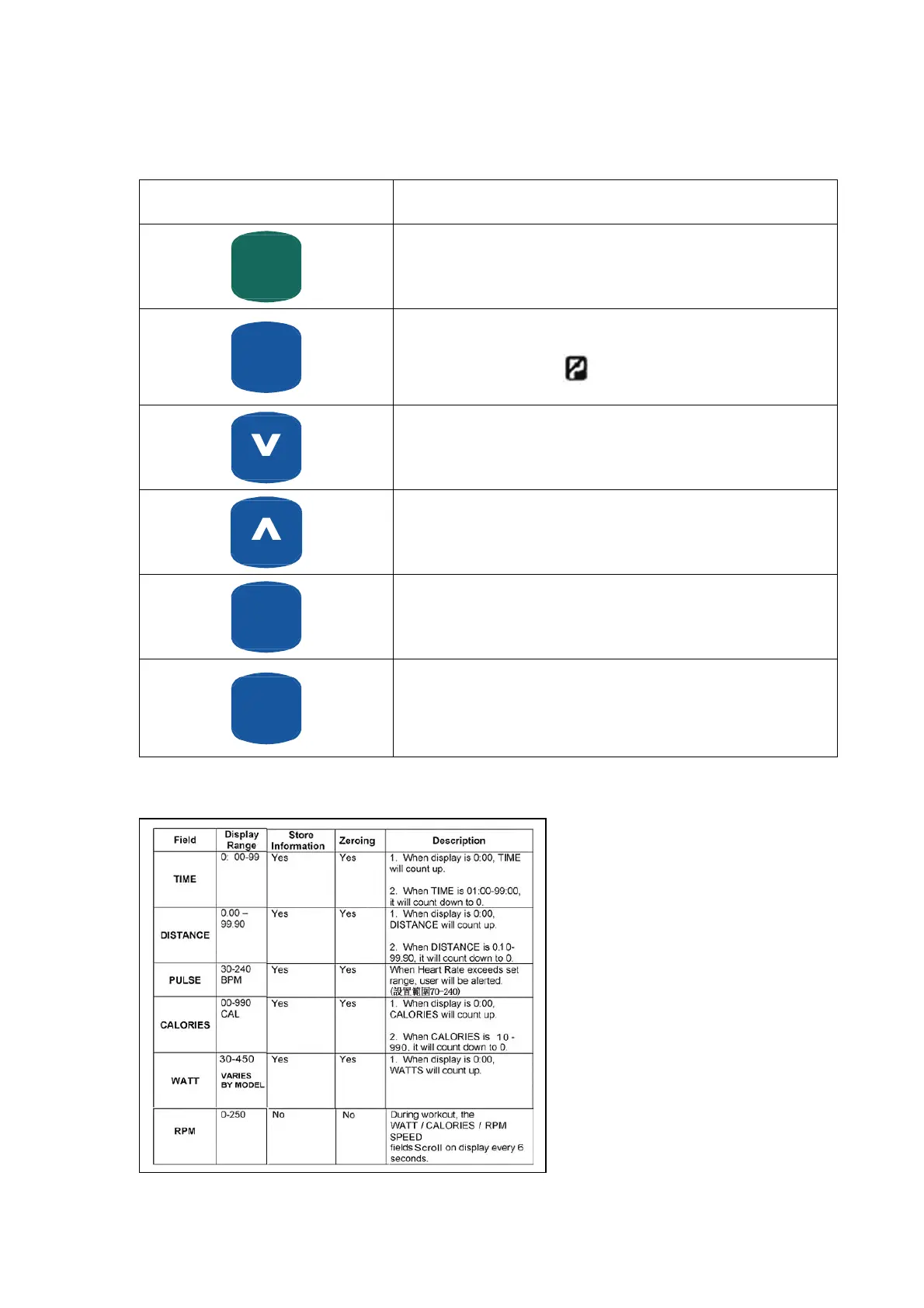
Button Button Function
START
(PAUSE)
QUICKQUICK
This is a dual function Button used to start & pause workout.
Note: Quick start is initiated when start button is selected prior to selecting
a program or workout parameters: TIME, DISTANCE, etc.
RESET
When your workout is paused pressing this button for 3 seconds will reset
recumbent display. Note:
symbol must be blinking for this to work.
Decrease value of selected workout parameter: TIME, DISTANCE, etc.
Increases value of selected workout parameter: TIME, DISTANCE, etc.
RECOVERY
This program will evaluate your fitness condition based on change in heart
rate over a period of one minute after exercising.
ENTER
(MODE)
Enter button is used to confirm (enter) the information currently displayed.
Display Workout Parameters
21


 To Next Page