Manual Workout “Manual”
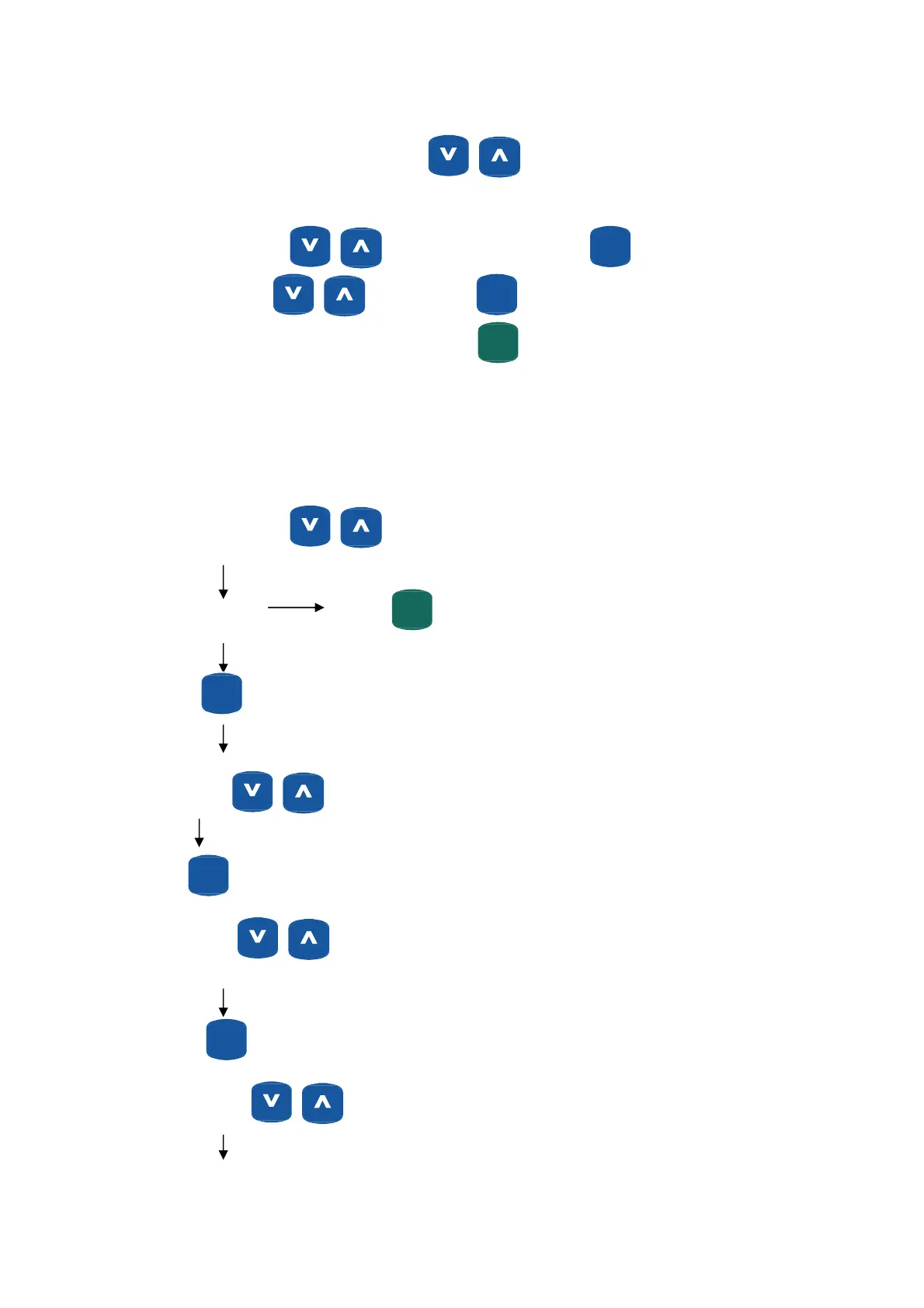
Manual is the default program at power-up. Press to adjust resistance levels.
Setting Parameters for Manual
Turn on the power, press to select Manual model and press
ENTER
(MODE)
. “Time” will flash, and
can be adjusted using
buttons. Press
ENTER
(MODE)
to save value & move to next parameter to be
adjusted. Continue through all desired parameters, press
START
(PAUSE)
QUICKQUICK
to begin workout.
Notes: 1. Parameters can be reset at any time during workout, on the fly.
2. Some parameters are not adjustable in certain workout modes. See
“Setting Workout Parameters” for further details.
“Manual” Operating Instructions
Turn on the power, press to select Manual model
“Manual” flashes
START
(PAUSE)
QUICKQUICK
Quick start with default values.
ENTER
(MODE)
“Level” flashes
Set your resistance level.
ENTER
(MODE)
“Time” flashes
If Time Goal is “0” value will count up.
ENTER
(MODE)
“Distance” flashes
If Distance Goal is “0” value will count up.
22


 To Next Page