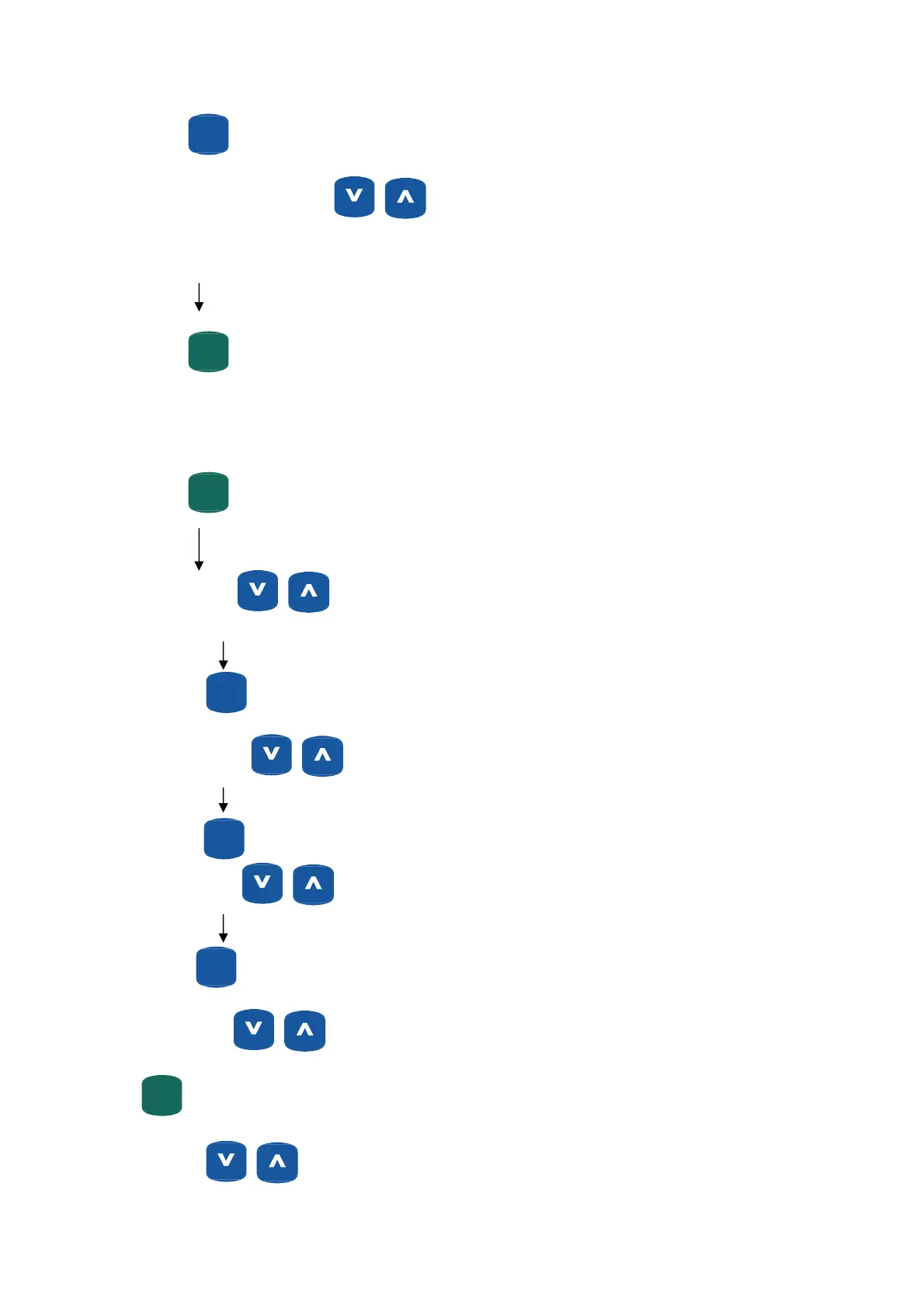
ENTER
(MODE)
Segment (column) 2 flashes Use
buttons to set resistance for this segment.
Repeat this procedure for all 16 segments 16 segment.
START
(PAUSE)
QUICKQUICK
Begin 16 minute workout!
Adjusting Workout time (0-99 minutes.)
START
(PAUSE)
QUICKQUICK
“Time” flashes
If Time Goal is “0” value will count up.
ENTER
(MODE)
“Distance” flashes
If Distance Goal is “0” value will count up.
ENTER
(MODE)
“Calorie” flashes
If Calorie Goal is “0” value will count up.
ENTER
(MODE)
“Pulse” flashes
(Set your desired maximum heart rate for an alarm to sound once reached).
START
(PAUSE)
QUICKQUICK
Begin Workout!
Note: Use
buttons to adjust resistance levels, at any time during workout.
28


 To Next Page