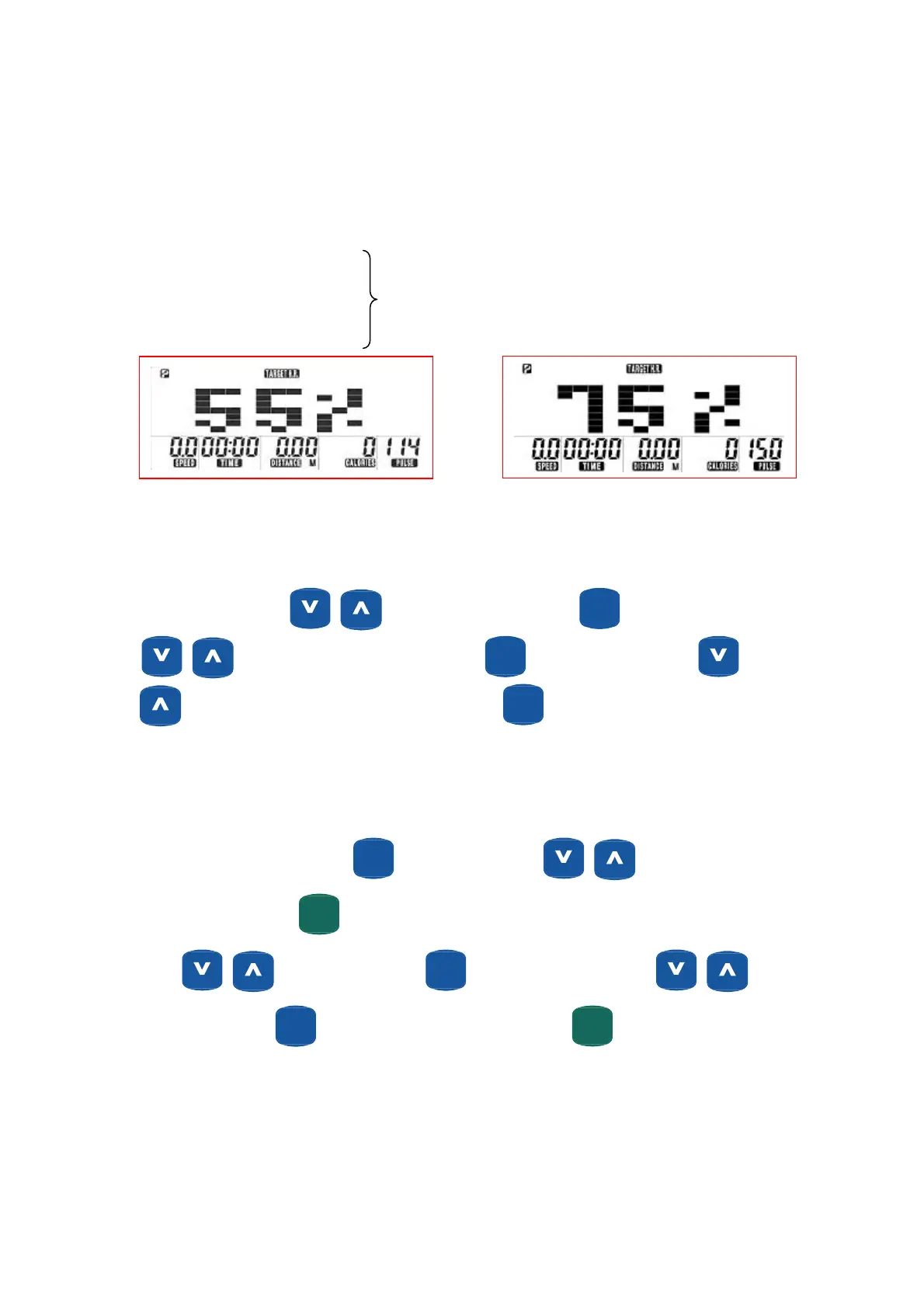
Target Heart Rate Workout “Target HR”
The Target Heart Rate workout allows user to maintain a specified heart rate throughout their workout. The
Computer will adjust resistance to maintain target HR. User cannot adjust resistance levels manually.
There are 4 selections for target PULSE:
55% = 55% of (220-AGE)
75% = 75 % (220-AGE) (See Examples below)
90% = 90% of (220-AGE)
THR = Set by user
When target heart rate is achieved the computer will vary resistance to maintain the selected heart rate.
Setting parameter for “ Target HR”
Turn on the power, press to select “Target HR” then press
ENTER
(MODE)
. “Age 30” will flash, press
to change age.(Range from 5 to 99). Press
ENTER
(MODE)
, 55% flashes and pressing
allows selection of 55%,75%, 90% and THR”. Press
ENTER
(MODE)
.
Note: 55%- 90%, sets target HR pulse based on age and % of max HR selected. “THR” allows user to set target
heart rate.
If choosing “55%-90%” mode. Press
ENTER
(MODE)
to adjust “Time” using . Continue setting
desired parameters. Press
START
(PAUSE)
QUICKQUICK
to begin workout. When choosing “THR” mode “Pulse” will flashes “100.
Press
to adjust pulse. Press
ENTER
(MODE)
then “Time” will flash use. Use to
enter value then press
ENTER
(MODE)
to continue with other parameters. Press
START
(PAUSE)
QUICKQUICK
to begin workout.
29


 To Next Page