Copyright© 2002-2003 Pacific Digital Corporation Page 30
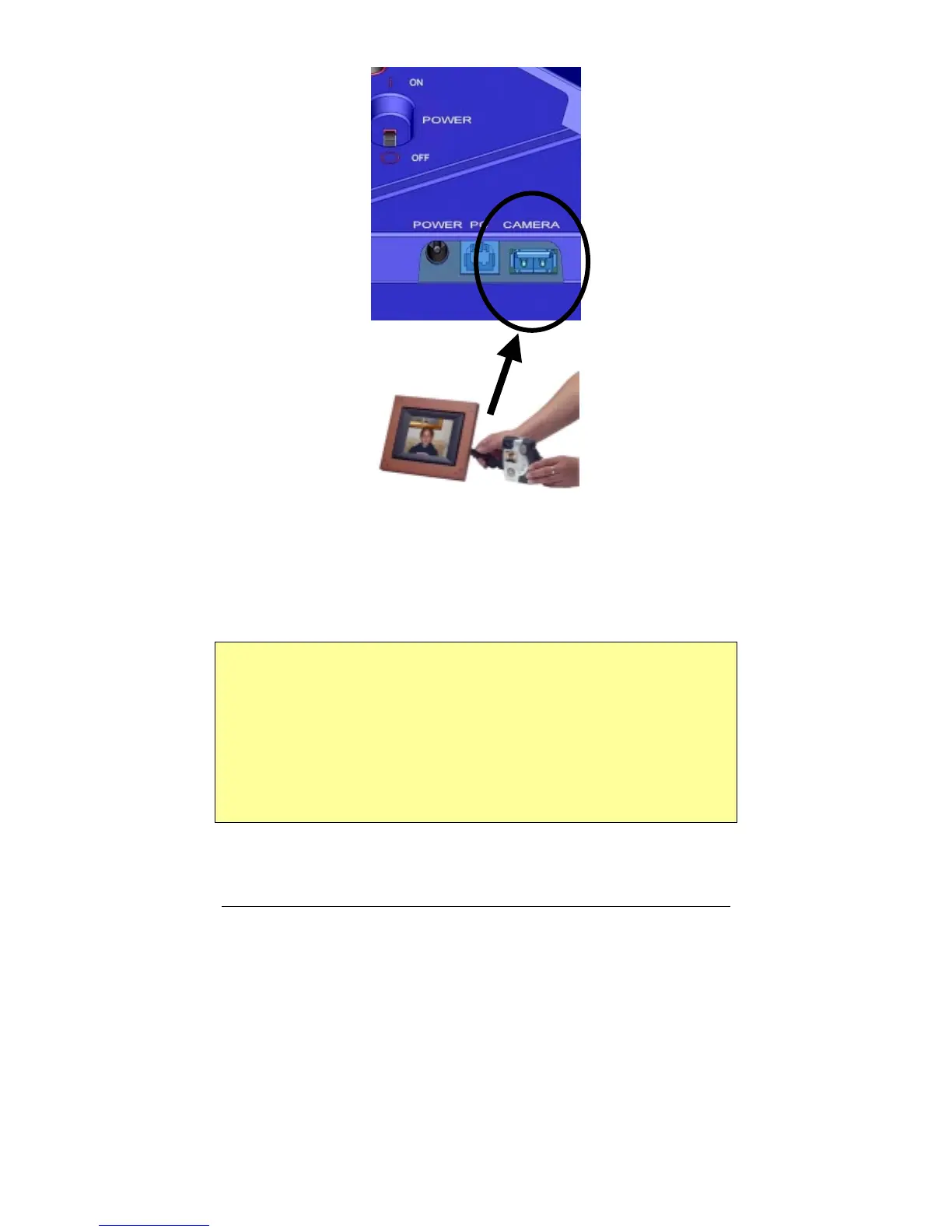
Figure 14 – Connecting a Camera
The MemoryFrame is capable of displaying the pictures found in the
camera and allows you to download pictures from the camera directly
into the MemoryFrame until the internal memory of the MemoryFrame is
full.
Important! The camera will need to be set into the appropriate mode to
transmit its pictures. Many cameras have two modes of operation:
proprietary and standard (driver-less) mode, and the camera has menu
items and/or buttons that set the USB mode. The standard (driver-less)
makes the camera look like a drive-letter to Windows Explorer without
the need for the camera manufacturer's custom driver. This standard
driverless mode (called “disk-drive” mode by some cameras) is required
to interface to MemoryFrame. See your camera’s user manual for details
of how to prepare your camera for driver-less USB transfers.



 To Next Page