Copyright© 2002-2003 Pacific Digital Corporation Page 48
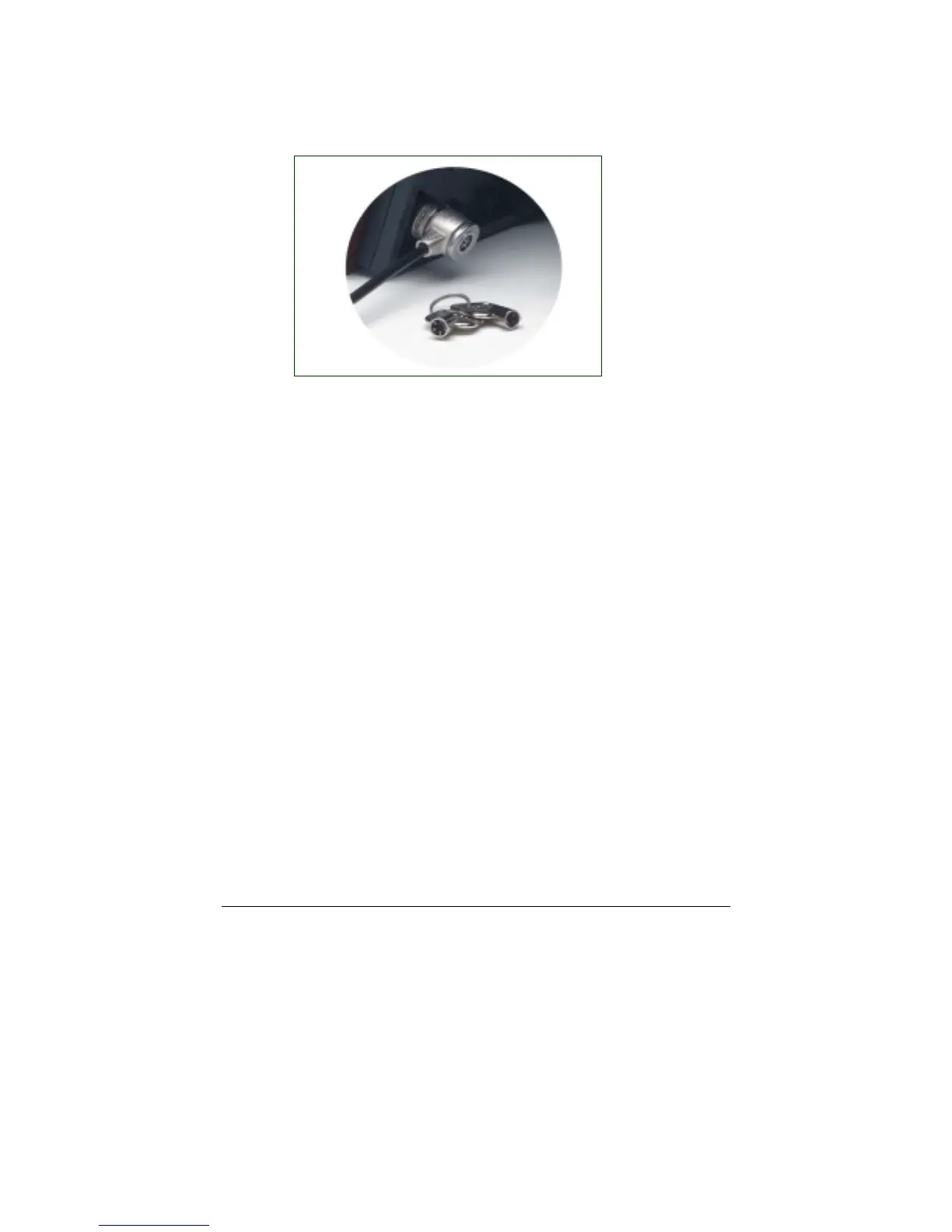
This adds protection and security when used in business environments.
See Figure 20.
Figure 20 – Security Lock
10.4 How to change the decorative 5 x 7 frame
Follow these instructions to remove and reinstall your MemoryFrame
Decorative frame.
To remove decorative frames from MemoryFrame
• Read the section of the manual “Caring for the Screen”
(Chapter 9) before removing the decorative frame. Try to
avoid touching the LCD screen during this process.
• MemoryFrame has two “frame lock” tabs on the rear of the
unit. These are used to lock a decorative 5x7 frame in place.
There are two locations, one on each side. The “Locked”
position is toward the outside of the unit.
• Pick up MemoryFrame with the LCD screen facing away
from you and fold in the Stand from the rear of the
MemoryFrame. Grasp the edges of the frame with thumbs
against the “frame lock” tabs on the rear of the unit.
• Apply strong thumb pressure inward towards the center of
the frame until the frame locks are in the unlocked position.
A noticeable “click” may be heard when unlocked.
• The wood 5x7 picture frame can now be pulled away from
the face of the MemoryFrame housing.



 To Next Page