14
Fine-tune Color (Color Balance and Levels & Curves Tabs)
A. Color Balance
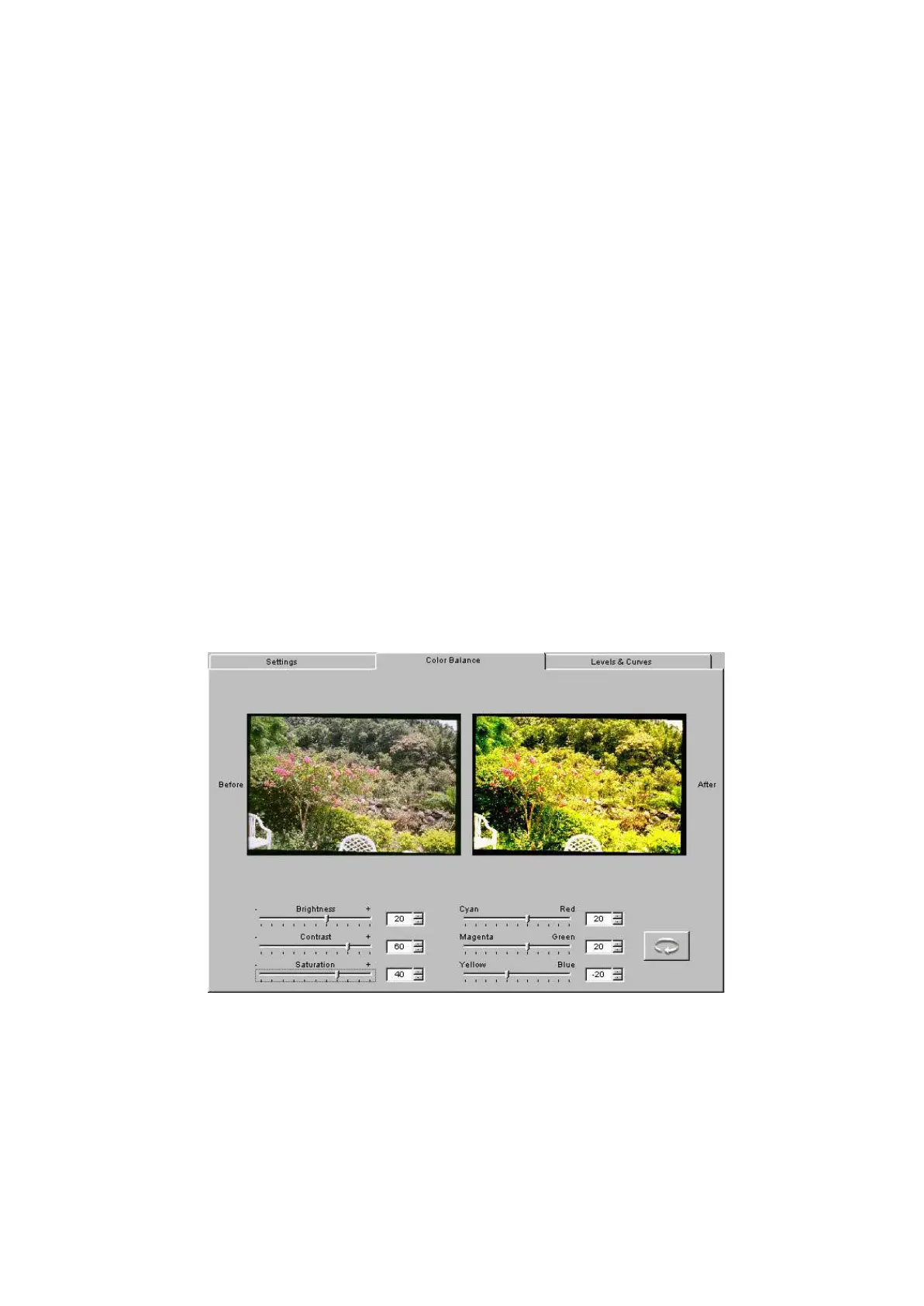
1. Click the Color Balance tab to access controls for color balance,
brightness, contrast, and saturation. Note that a Before and an After
version of the current image appear on this tab.
2. Adjust the values for Brightness, Contrast, and Saturation by dragging
their sliders or by entering an integer from –100 to 100 into the field
next to the slider; the numbers represent percentage values.
3. Adjust the values Cyan/Red, Magenta/Green, and Yellow/Blue by
dragging their sliders or by entering an integer from –100 to 100; the
numbers represent percentage values.



 To Next Page