6
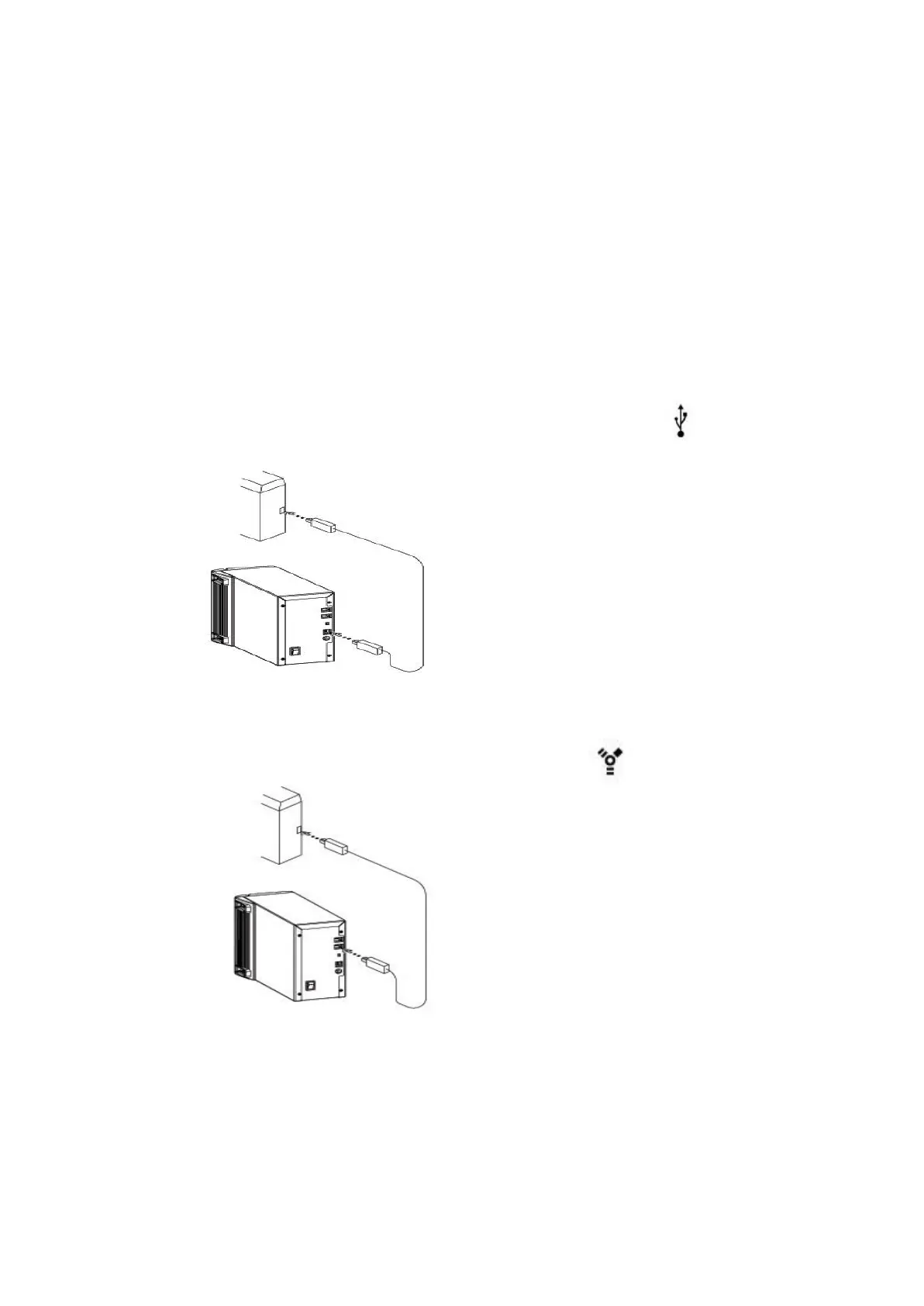
1. Set the switch to point at USB symbol
on your scanner, before power-on
2. Attach the appropriate USB cable end
to the computer.
3. Attach the other end to the scanner.
… to a USB port
… to a IEEE1394 port
1. Set the switch to point at on your
scanner, before power-on
2. Attach the appropriate IEEE1394
Cable end to the computer
3. Attach the other end to the scanner.
If the scanner come with both USB and IEEE 1394 ports…
vPlease do not attach USB and IEEE1394 cables to the scanner at
the same time.



 To Next Page