®
INC.
PACIFIC MICROSONICS
53
Reference
Model Two HDCD
®
User’s Manual
Rev. C - January 2002
The A/D REF clock mode is displayed on the top right of the menu and is set using the
Reference Clock Menu, selected by function button #1 (REFCLK). Button #2 (HDCDBIT)
selects the Monitor Input HDCD Code Detect Menu, button #3 (MON_REF) selects the
Monitor Reference Clock Menu, button #4 (REF_FRQ) selects the External Ref Clock Fre-
quency Menu, button #5 (FORMAT) selects the Monitor Digital Input Format Menu. Descrip-
tions of these menus are on pages 53, 54 and 55. In 176.4 kHz (4_X) AD mode the Analog
Input Menu is the same as in 88.2 kHz AD mode except that function button #5 (FORMAT)
is deleted.
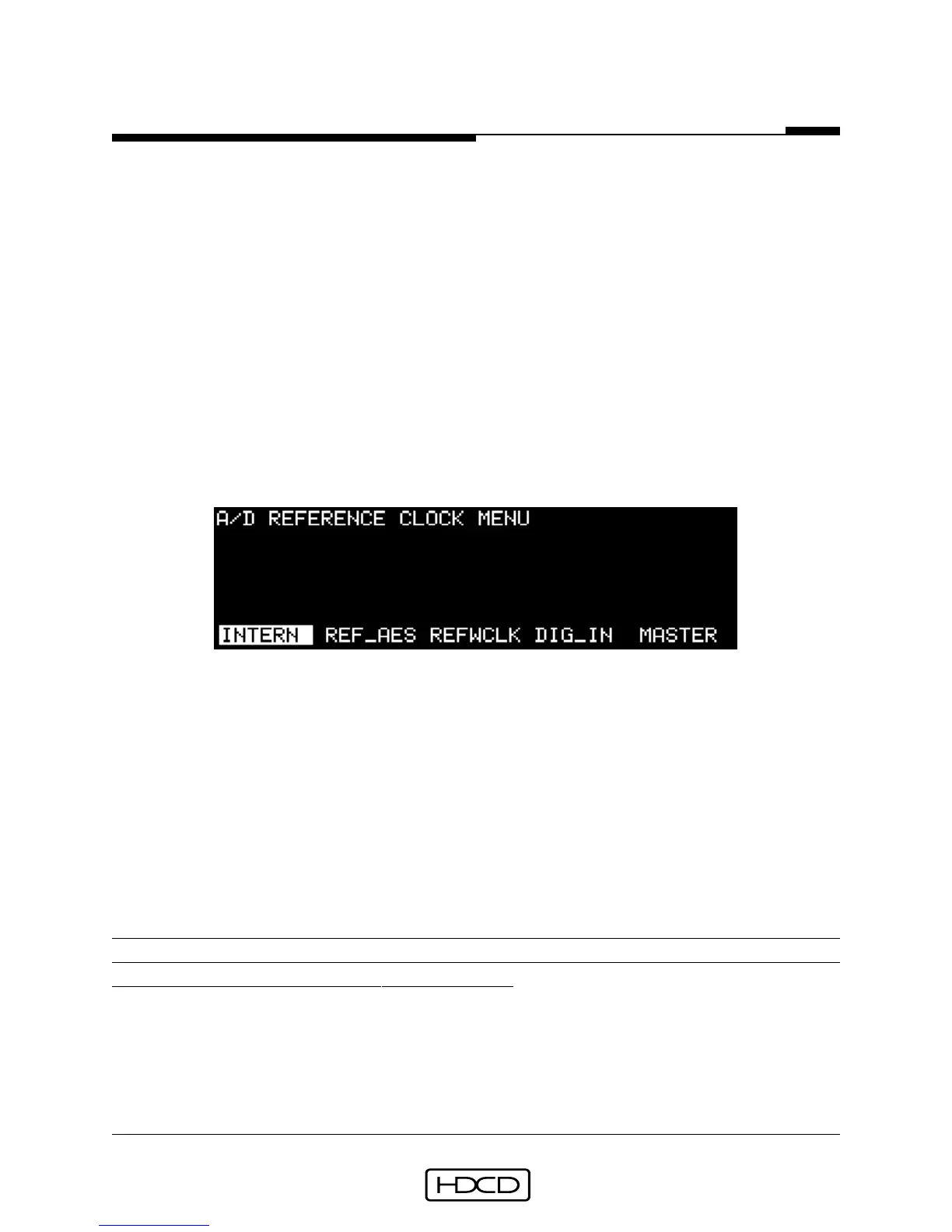
A/D Reference Clock Menu
In all AD modes, the A/D Reference Clock Menu is reached from the Operating Menu by
selecting (SETUP/ INPUT/REFCLK).
Function buttons 1-5 select the A/D converter reference clock source. Button #1 (INTERN)
selects the A/D converter’s internal clock, which should always be used unless an external
reference is required, button #2 (REF_AES) selects the clock connected to the AES In Ref
input, button #3 (REFWCLK) selects the clock connected to the Word Clock Ref connector,
button #4 (DIG_IN) selects the digital input data source connected to the AES In 1 input,
and button #5 (MASTER) both selects the internal clock and feeds it to the Word Clock Ref
connector which then provides a master clock output that can be “daisy-chained” through
additional Model Twos for synchronous multichannel A/D conversion. Pressing ENTER acti-
vates the selection. The selected reference clock mode is displayed in the top right of the
Analog Input Menu.
CAUTION: Do not select an external source for the reference clock input if it is de-
rived from the output of the Model Two. This will create a circular reference clock
effect and may result in synchronization drift.
A/D Filter Mode Menu
In 44.1 kHz (1_X) AD modes, the A/D Filter Mode Menu is reached from the Operating
Menu by selecting (SETUP/INPUT/AD_MODE).



 To Next Page