26 - Using the keyboard
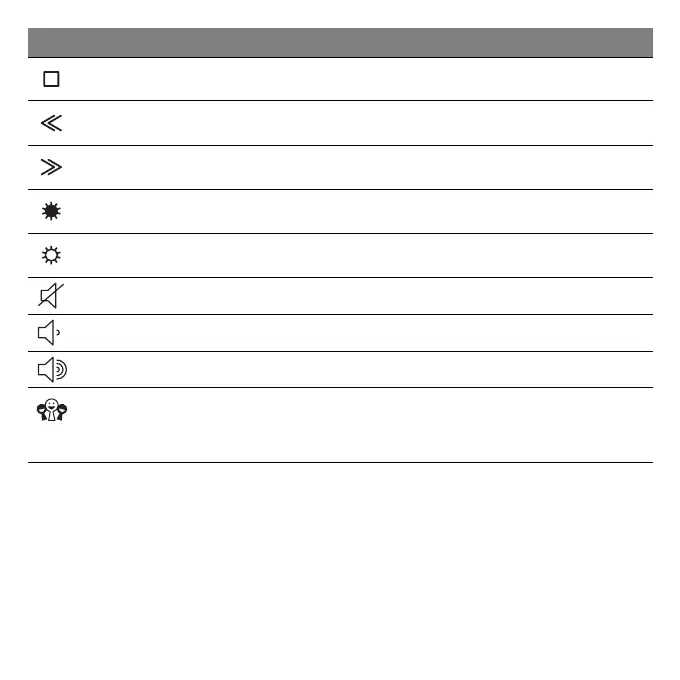
Stop Stop playing the selected media file.
Previous Return to the previous media file.
Next Jump to the next media file.
Brightness down Decreases the screen brightness.
Brightness up Increases the screen brightness.
Speaker toggle Turns the speakers on and off.
Volume down Decreases the sound volume.
Volume up Increases the sound volume.
Social
Networking
Opens the Social Networks application.
If this application is not installed, the key will
start your instant messenging application.
Icon Function Description



 To Next Page