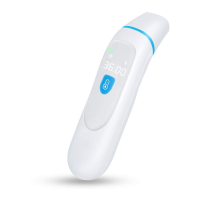
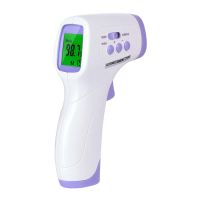
3)Setting operation
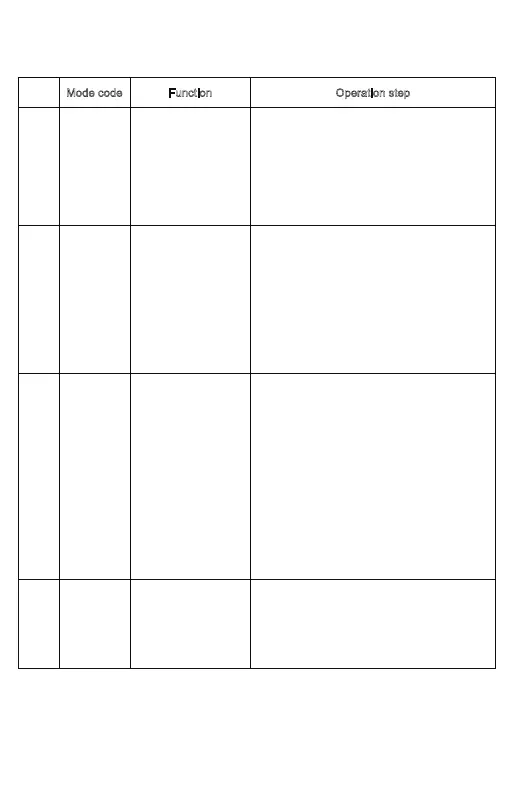
Mode code Function Operation step
1 F1 Set ℃/℉ scale Press MODE button for 2 seconds, the screen
will display F1 on the bottom right, press UP or
DOWN button can change temperature unit
for
℃or℉.
2 F2 Set alarm temp. Press MODE button for 2 seconds, the screen
display F1, press MODE button to get F2,
select UP to increase the threshold by 0.1
℃
(0.1℉), DOWN to reduce it by
0.1
℃(0.1℉). The
alarm threshold default value is
38.0℃(100.4℉).
3 F3 Set difference Press MODE button for 2 seconds, the screen
display F1, press two times to get F3, select
UP to increase the difference by 0.1
℃(0.1℉),
DOWN to reduce it by
0.1℃(0.1℉). In the case of
seasonal or environmental changes a verification and
adjustment should be carried out.
Note: This function is only effective body.
4 F4 Set buzzer on/off Press MODE button for 2 seconds, the screen
display F1, press 3 times to get F4. Select UP
to turn on the buzzer, press DOWN to stop it.
- 9 -


 To Next Page