SYNCING A PAGER TO A TRANSMITTER
If you are expanding your system by adding additional pagers please follow the
instructions below to sync your new pagers to your transmitter:
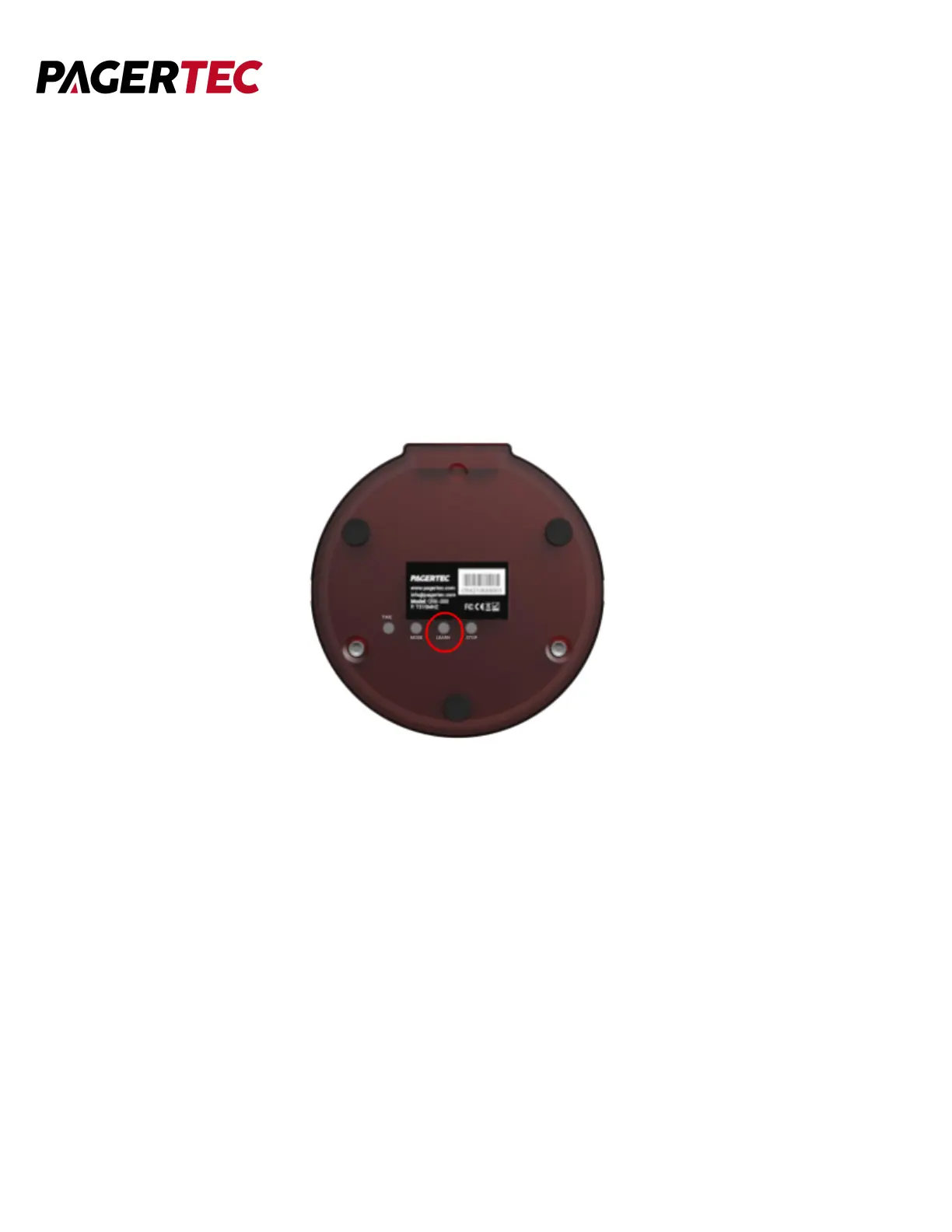
1. Turn the pager around and press the LEARN button and the pager
will display “-- -- -- --”
2. Use the number keys on the transmitter to enter the number you wish the pager
to display.
3. Press the ENTER button on the transmitter to confirm and save your changes.
4. The pager will now reflect the pager number assigned to it.



 To Next Page