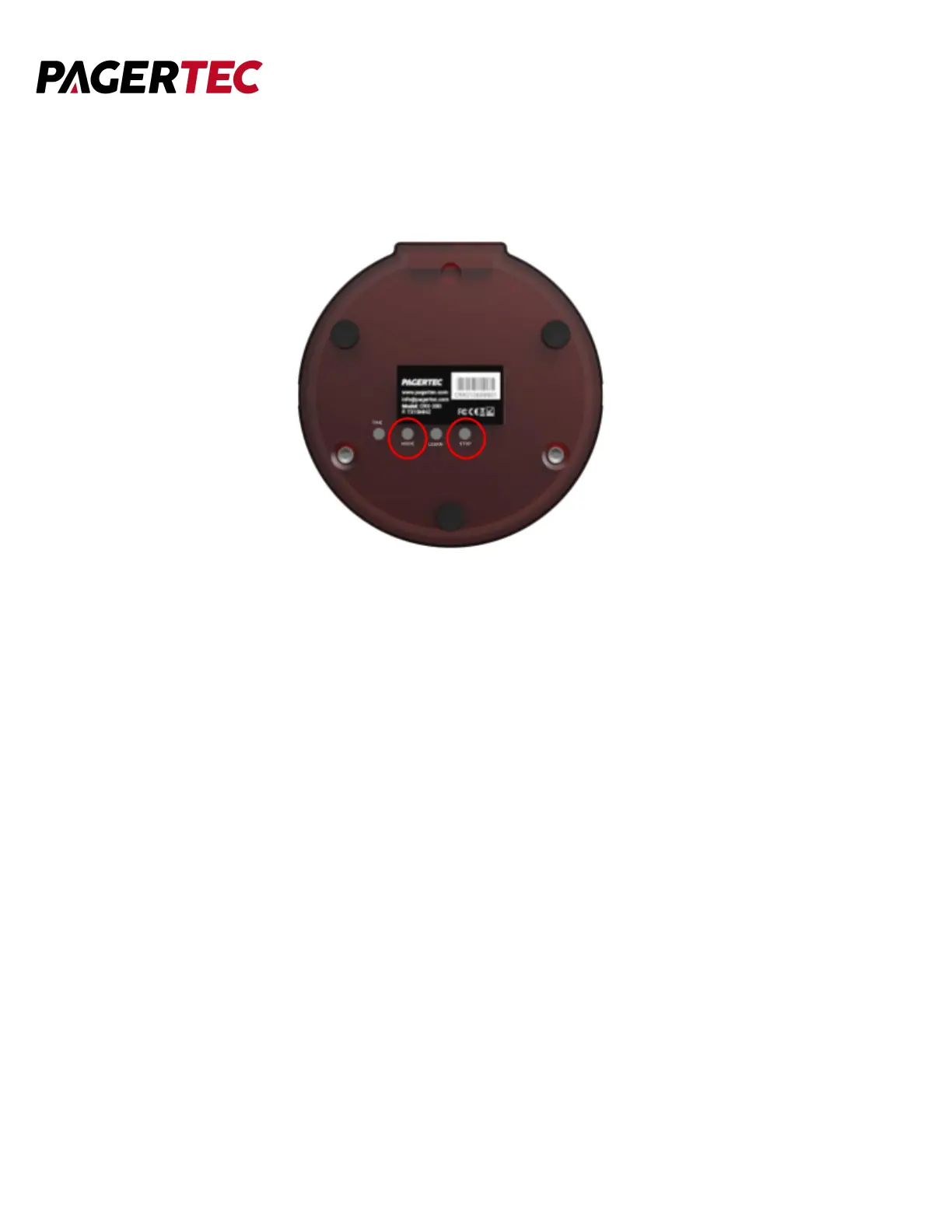
TURNING PAGER OFF
● Press the MODE button and STOP button simultaneously.
GROUP PAGING
● If you wish to use the group paging option you can set multiple pagers to the
same number. To change the number of a pager please use the “Sync a pager to
a Transmitter” Instructions.
CANCELING A PAGE
There is two ways you can cancel a page:
1. Press the number of the pager you paged followed by the cancel button.
2. Place the pager back on the charging base and the page will cancel
automatically.



 To Next Page