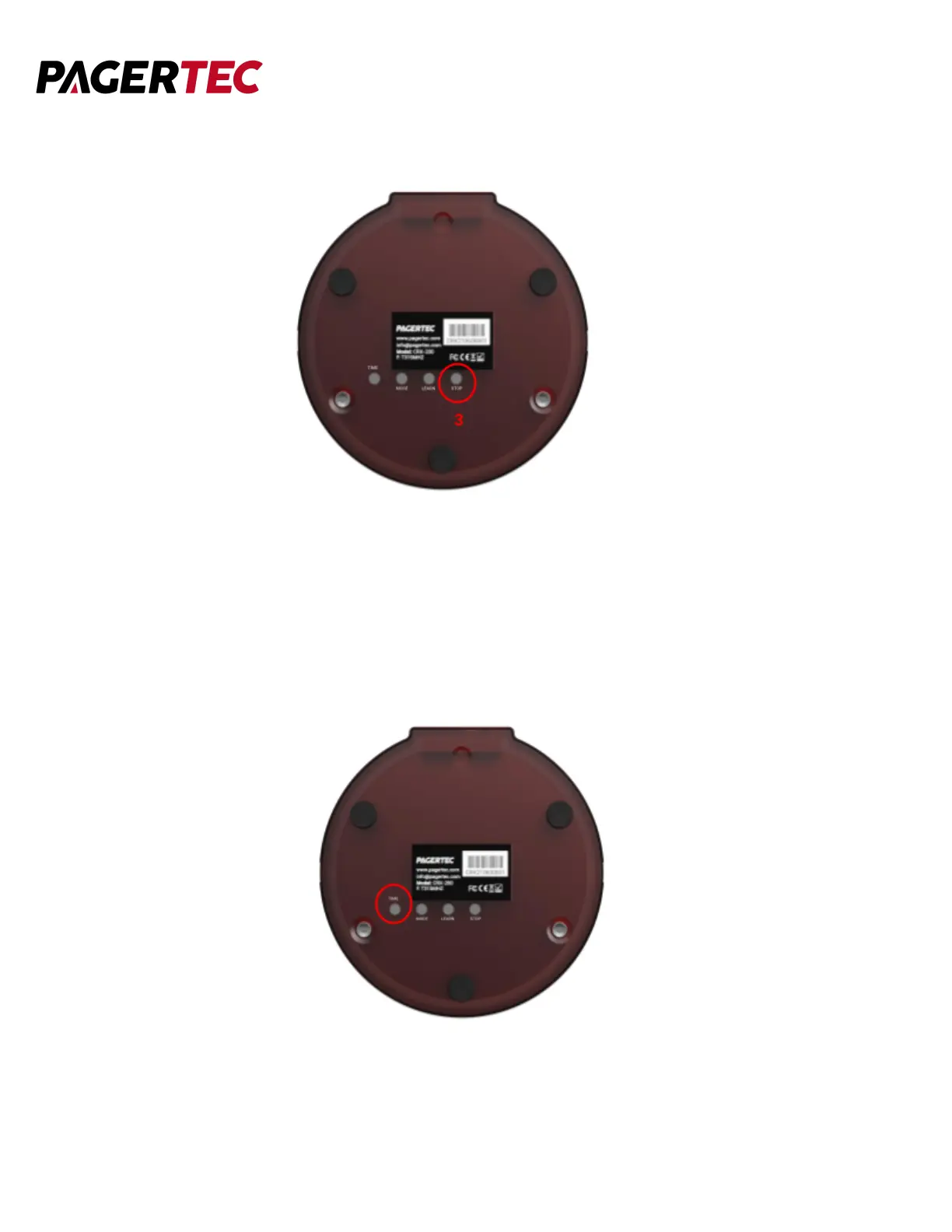
3. After you are done choosing, press the STOP button to lock your selection.
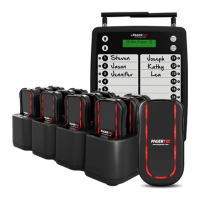
SET ALERT TIME
You can set each pager to alert for 15, 30, 45, 60, and 90 seconds.
1. Turn the pager around and press the TIME button.
2. Press the TIME button until you reach the amount of seconds you desire.


 To Next Page