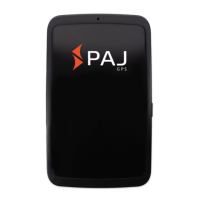
ALLROUND Finder v.1.2ENG
© PAJ UG (haftungsbeschränkt)
33
If the ALLROUND finder does not receive a
signal, first check the functionality of your
SIM card. You should also check whether
the PIN query is switched off. You should
also change the location if the signal
condition does not change after a long wait.
For the first start of the ALLROUND Finder,
we recommend places that are not covered,
such as the garden or terrace (not in the
apartment, garage, cellar or similar).
Please note that in some locations, there is
not enough GSM signal from the respective
network provider.


 To Next Page