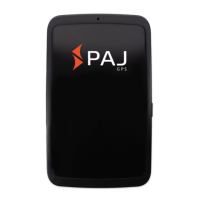
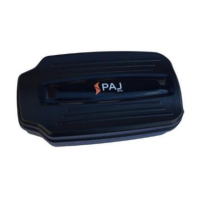
Need help?
Do you have a question about the PAJ ALLROUND and is the answer not in the manual?
Instructions for activating your SIM card and identifying its types for the device.
Steps to disable the SIM card's PIN code and voicemail for seamless operation.
Detailed guidance on how to properly insert the SIM card into the ALLROUND finder.
How to request and receive the device's location by calling it or sending an SMS.
How to change the default password for enhanced security and user control.
Methods to request and obtain the device's location via call or SMS.
Step-by-step guide to activating your SIM card for use with the tracker.
Instructions to deactivate the SIM card's PIN request and voicemail service.
Process to authorize specific phone numbers to control and receive data from the device.
Methods to request and obtain the device's location by calling or sending an SMS.
Steps to register and secure your access to the PAJ GPS tracking online portal.
Configuration commands necessary to link the ALLROUND Finder to the PAJ location portal.
 General
| Brand | PAJ |
|---|---|
| Model | ALLROUND |
| Category | Camera Accessories |
| Language | English |

 To Next Page