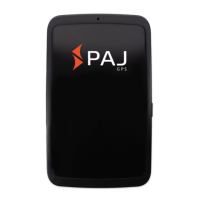
ALLROUND Finder v.1.2ENG
© PAJ UG (haftungsbeschränkt)
34
5.6 Authorization
Important: You must authorize your phone
number so that you can use the GPS
Tracker and avoid misuse!
Device
(1.) Send an SMS containing
„admin+Standard password
White space
Your mobile number“,
in order to authorize a number.
The default password is 123456. You can
change this after the authorization. See point
6.1 (password change).
Example:
„admin123456 01751234567“



 To Next Page