ALLROUND Finder v.1.2ENG
© PAJ UG (haftungsbeschränkt)
7
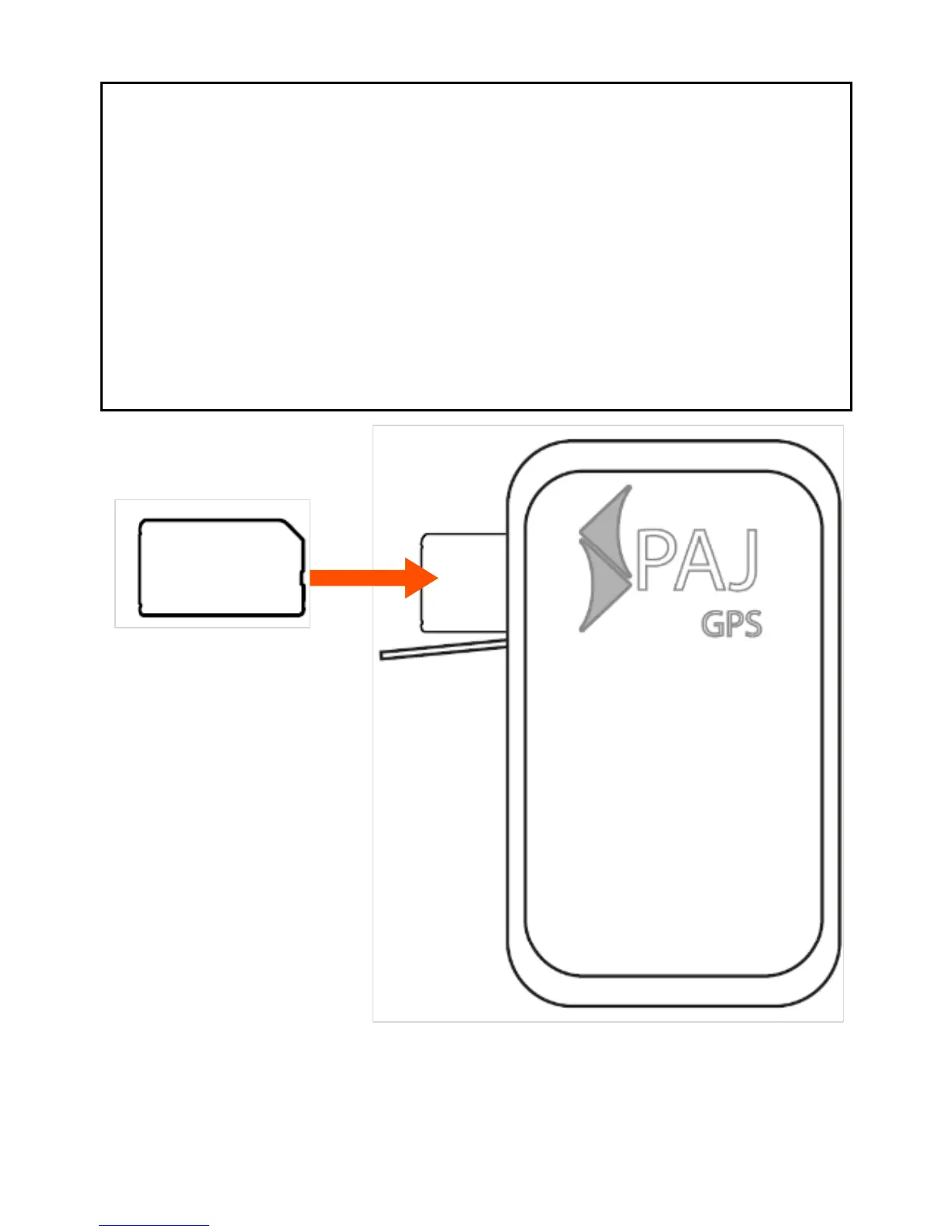
Step 3: Insert your SIM Card in the
ALLROUND finder
Insert the completely activated SIM Card
without PIN-Code in the ALLROUND
finder. Open the rubber gasket on the
outside and slide the SIM Card in the
SIM Card holder.



 To Next Page