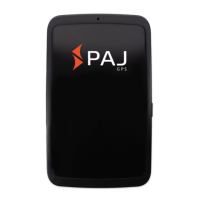
ALLROUND Finder v.1.2ENG
© PAJ UG (haftungsbeschränkt)
8
Please make sure that the bevelled edge of
your SIM Card (as shown) is located at the
top right and that the gold contacts face
downwardly.
In order to insert the SIM Card deeply
enough, please use a sharp object. Please
watch for a correct position of the SIM Card.
Introduce the SIM Card until it clicks.


 To Next Page