Pakon Part#125307-B October 10, 2006 6
Operational Information
Powering On
Power on the host PC, and allow it to finish loading Windows before turning the F-135
scanner on. This will ensure that the scanner can properly communicate with the host computer.
Operation and Film Insertion
When scanning film, do not load film until the film status LED is green.
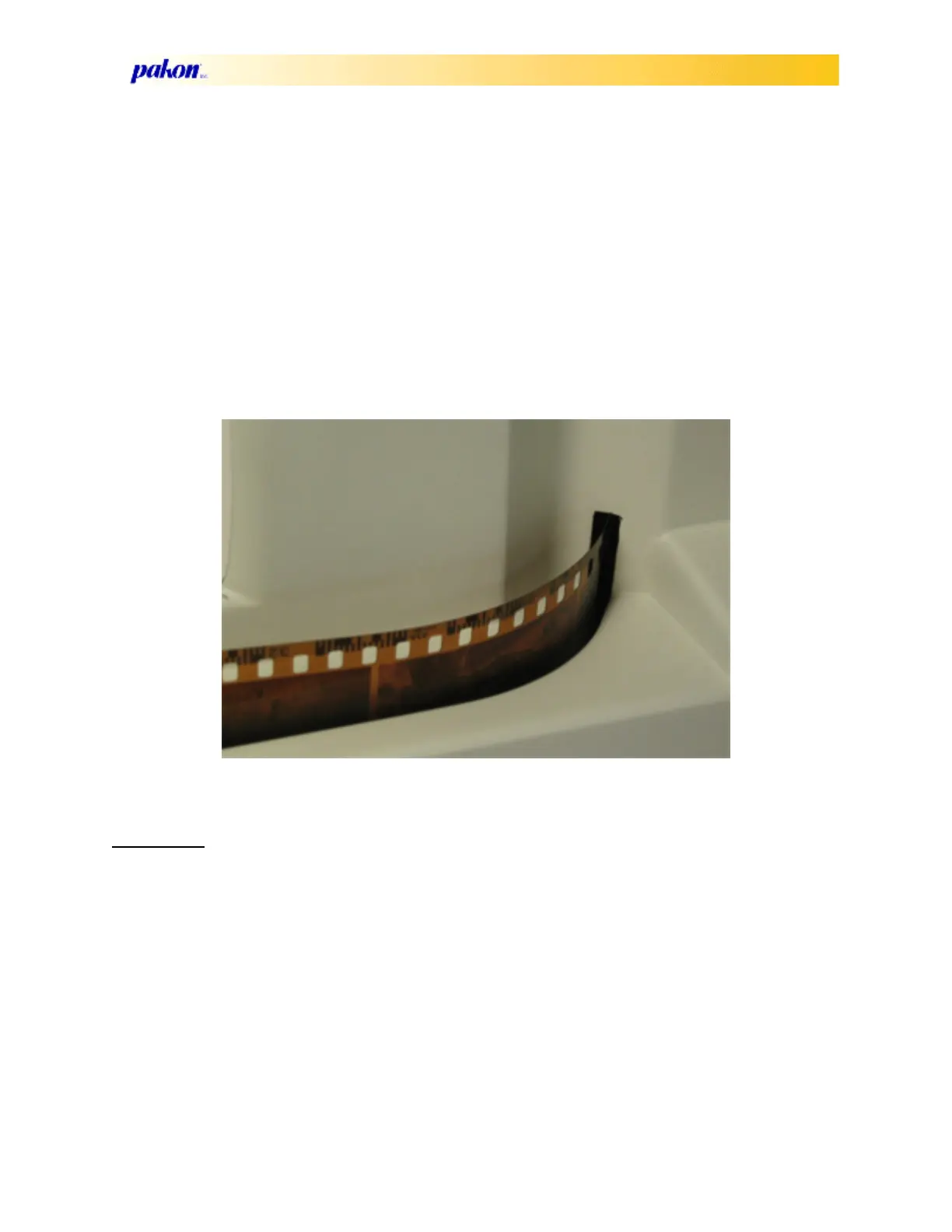
Inserting the film properly will ensure that the DX codes are read and that the fram-
ing will be done correctly. Insert the film with the emulsion to the inside of the scanner, DX
Code up, and starting with the lowest number first, as shown below:
Do not attempt to remove film from the scanner while the scanner motor is moving! This
will cause damage to both the film and the scanner.
Calibration
There are two types of calibration for the F-135.
Color calibration is set during the manufacturing process, as well as any service that
involves the CCD or any optical filter. This is to be performed by trained and authorized service
personnel only.
Scanner corrections are performed automatically. They consist of a series of steps per-
formed when the scanner is first turned on, as shown below:
• Start-up corrections
• Initial LED warm-up
•Gain
and exposure Control Corrections
• Run Time Corrections



 To Next Page