SOLIDWORKS Educational Product. For Instructional Use Only.
NICHELESS INSTALLATION
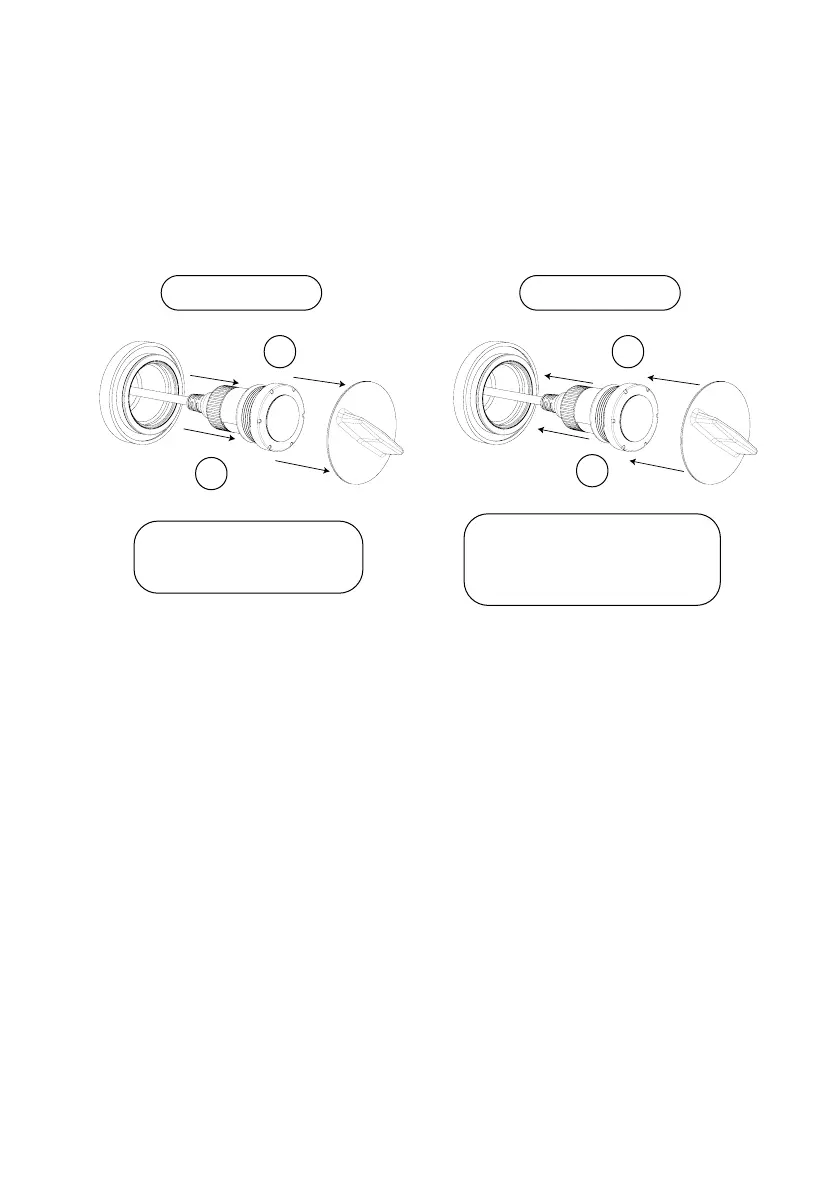
Removing and Installing Light
Insert tool into slots in light.
Twist light anti-clockwise to
remove from nicheless tting
To install light, position light in
nicheless tting. Insert the tool into
the slots in light and twist clockwise
into nicheless tting
Removing Light Installing Light
1
1
2
2
SOLIDWORKS Educational Product. For Instructional Use Only.
SOLIDWORKS Educational Product. For Instructional Use Only.



 To Next Page