YOUR CONNECTIONS TO THE WEB AND WIRELESS DEVICES
CONNECTING TO DEVICES WITH BLUETOOTH
®
WIRELESS TECHNOLOGY
174
8
CHAPTER
Connecting to
devices with
Bluetooth
®
wireless technology
With the Bluetooth
®
wireless technology
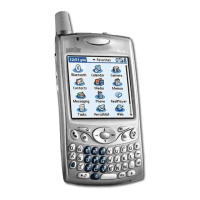
on your smartphone, you can connect to a
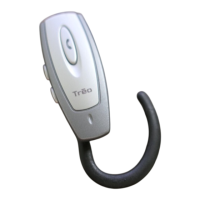
number of Bluetooth devices such as a
headset or hands-free car kit, as well as to
other phones, handhelds, or piconets.
When you connect to another device, you
create a partnership (also referred to by
terms such as trusted pair, trusted device,
or pairing) with that device. If your
computer is enabled with Bluetooth
wireless technology, you can also
synchronize wirelessly or use your phone
as a wireless modem.
You can create a list of Bluetooth devices
that you trust to communicate with your
smartphone. When communicating with
trusted devices, your smartphone skips the
discovery process and creates a secure link
as long as the device is within range.
Bluetooth range is up to 30 feet
(10 meters) in ideal conditions.
Performance and range are affected by
physical obstacles, radio interference from
nearby electronic equipment, and other
factors.
KEY
TERM
Partnership Two devices—for
example, your smartphone and a hands-free
device—that can connect because each
device finds the same passkey on the other
device. After you form a partnership with a
device, you don’t need to enter a passkey to
connect with that device again.
KEY
TERM
Piconet An ad-hoc network of
devices that uses Bluetooth wireless
technology to connect one master device with
up two seven active slave devices.



 To Next Page