Palm
®
Treo™ Wireless Headset 9
Making a call
Making a call
Do not hold the multifunction button down too long
when making, ending, or answering a call. This should be only a quick press, so
you don’t accidentally activate your headset’s enhanced features, described later
in this guide.
0
1
Make sure the headset is turned on.
2
Dial the number:
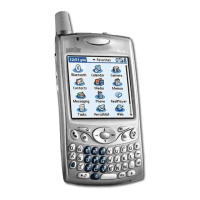
Using the phone’s keypad Dial the number on the keypad, and then
press the Send key.
Using voice-activated dialing Press and release the multifunction
button , and then say the name of the person you want to dial
when you hear the tone.
Depending on the model, your smartphone may not
support voice-activated dialing through Bluetooth wireless technology.
For other phones, check with the manufacturer. You must set the voice
tags on your phone to use voice-activated dialing. For better reception,
record the voice tags from the headset.
3
Increase or decrease the call volume by pressing the volume control
buttons . The tone volume increases or decreases to match the
call volume.
IMPORTANT
!]
NOTE


 To Next Page