CHAPTER 1 Your Handheld
Tungsten™ E2 Handheld
10
Opening applications
Your handheld lets you display two views to quickly see and open applications. Favorites lets you
create a list of the items you want to quickly access, while Applications displays all applications on
your handheld.
Using Favorites
The Favorites View can include applications and links to the web. Certain items are included in
Favorites by default, but you can customize the list
to contain any items you want.
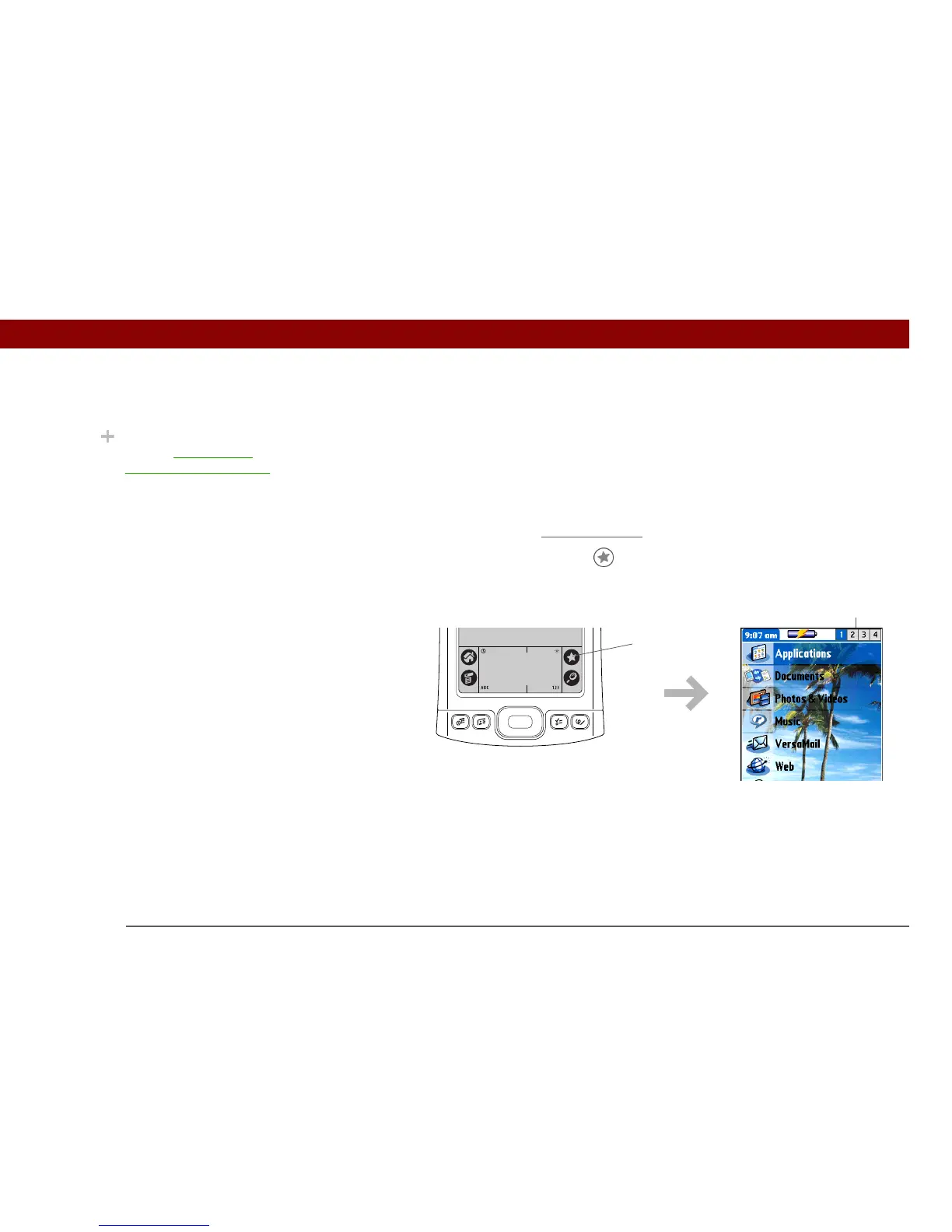
To access an item from Favorites, tap Star and select from the list. Use the 5-way navigator or
tap the buttons in the upper-right corner of the screen to move to another page of favorites.
Did You Know?
You can use a favorite
photo as the background
for your Favorites or
Applications View.
Buttons
Star



 To Next Page