Tungsten™ E2 Handheld 86
CHAPTER 11 Making Wireless Connections
Accessing email and the web wirelessly
After you set up a connection with a mobile phone, you can send and receive email or browse the
web wirelessly using this connection.
Bluetooth functionality must be on if you want to use wireless features. You must also
set up an email account
on your handheld before you can send or receive email messages.
0
1 Open the email application or the web browser.
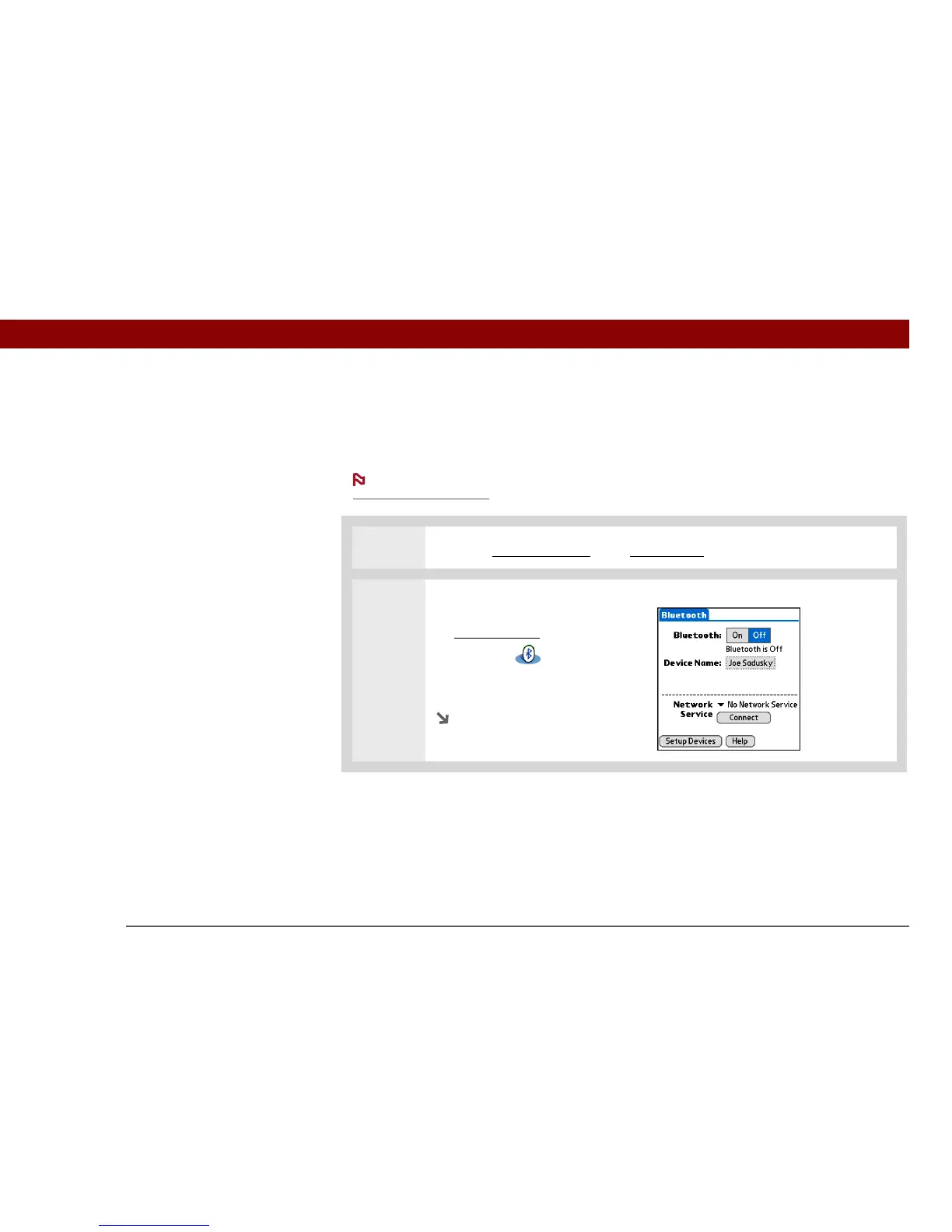
2 Verify Bluetooth status:
a. Go to Favorites
and select
Bluetooth .
b. Make sure On is selected.
Continued
NOTE



 To Next Page