Tungsten™ E2 Handheld 57
CHAPTER 7 Listening to Music
2
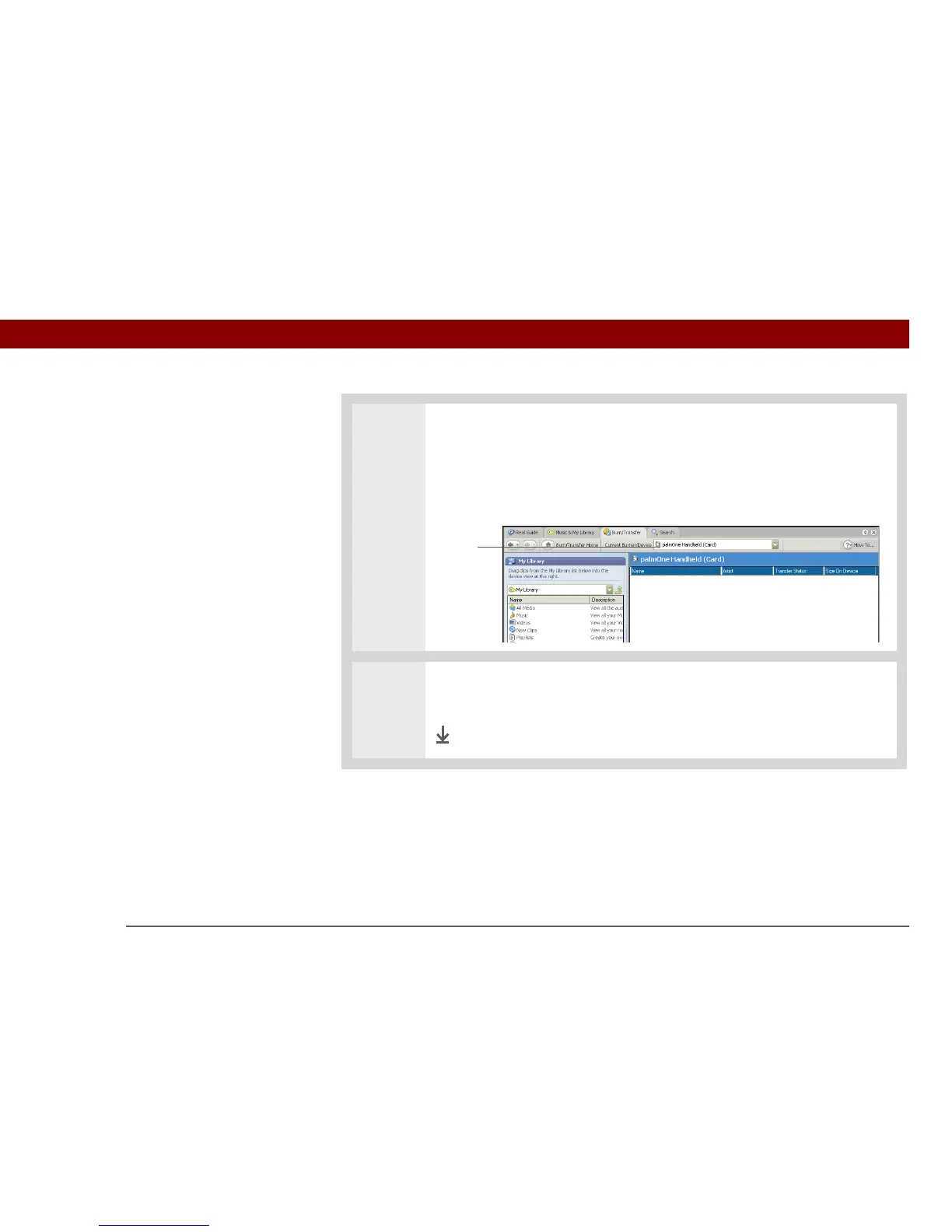
Prepare RealPlayer on your computer:
a. Open the RealPlayer application.
b. Select palmOne Handheld (Card) from the Current Burner/Device drop-down
list.
3
Drag the music files from your desktop onto the palmOne Handheld window.
The files are transferred to the Audio folder on your handheld’s expansion card.
Done
Select
palmOne
Handheld
(Card)



 To Next Page