10
TUNING PROCEDURE
Set the front panel controls to the following positions:
ON - OFF Switch. OFF
STANDBY - OPERATE STANDBY
BAND SWITCH DESIRED BAND
TUNE CONTROL PRESET TUNE SETTINGS (See test sheet)
LOAD CONTROL PRESET LOAD SETTINGS (See test sheet)
After the controls have been preset and the amplifier is connected to a suitable RF load,
switch the On/Off switch to the On position. The following will occur:
A. The meters will illuminate.
B. The step-start relay will actuate and the HV will begin to ramp up.
C. After 2 seconds the step-start relay will disengage and the HV will now be at its normal
no-load voltage level.
D. The 3 minute filament timer will start. The green “Status-Trip” LED will flash (1Hz
rate) during the 3 minute warm-up interval.
E. After 3 minutes the “Status-Trip” LED stops flashing and the amplifier is ready for use.
Place the Standby/Operate switch in the Operate position. The amplifier will not switch to
the “Operate” state if the Keyline is active when the switch is thrown (this protects the amp in
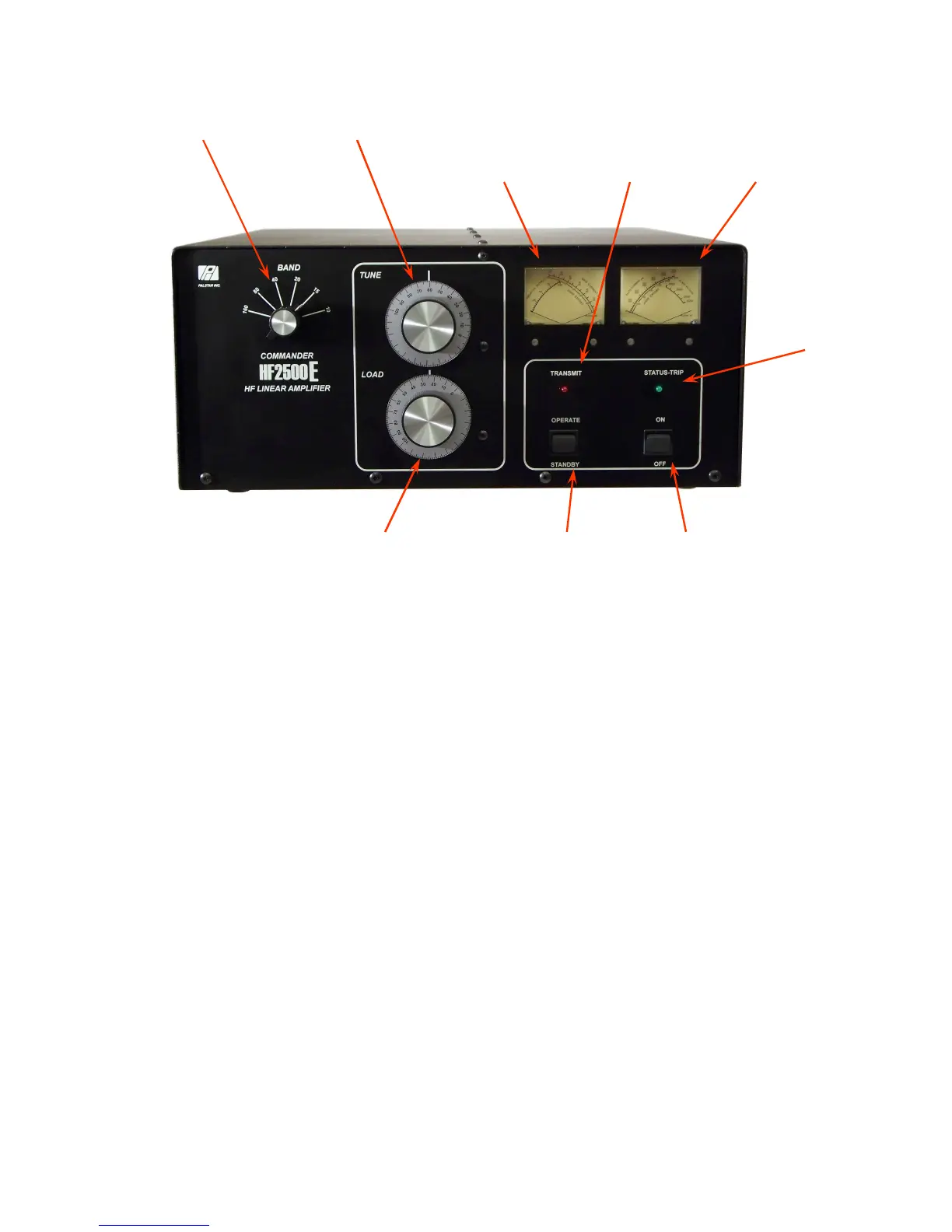
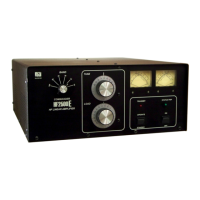
Load Control Standby/Operate
Switch
Power
On/Off
Band Switch
Tune Control Transmit
Indicator
LED
Status-Trip
Indicator
LED
Plate Current/
Plate Voltage
Meter
Grid Current/
Relative Power
Meter


 To Next Page