50
MP3/WMA/JPEG Playback Operation (continued)
JPEG Playback
Press to select a JPEG file ( ).
1
■ Returned on the MP3/WMA/JPEG MENU
➡ Press
STOP
. (See p. 49)
■ Next/Previous Search
➡ Press
SKIP+
| or
SKIP-
| .
■ Start Slide-show ➡ Press
FF/SLOW+
or
REW/SLOW-
. (below)
■ Enlarging an image ➡ Press
ZOOM
. (P. 51)
■ Rotating an image ➡ Press
ANGLE
. (P. 51)
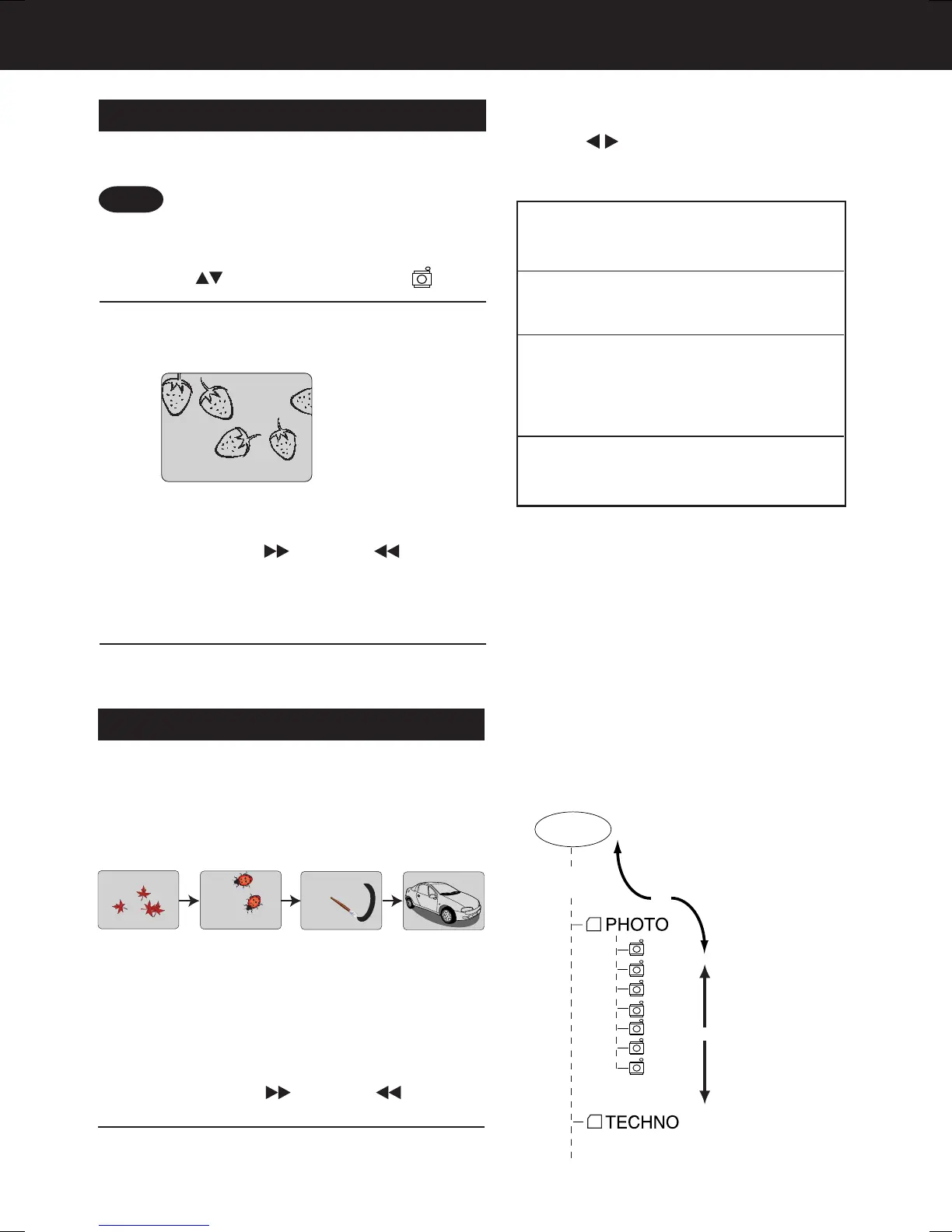
[JPEG Playback Screen]
Do steps 1~3 on page 49.
<Example>
Press
SET
or
PLAY
.
Selected JPEG file is displayed.
2
3
You can play back JPEG images.
Displayable Image Size: 32x32~7680x7680 pixels
Image changes every 3 seconds.
JPEG Slide-show
Press
FF/SLOW+
or
REW/SLOW-
.
1
<Example>
JPEG files are displayed automatically
(about every 3 seconds) as a slide-show.
Press
ACTION
to return to
the DVD MAIN MENU.
2
(During JPEG Playback.)
■ Cancel slide show
➡ Press
STOP
to return the MP3/WMA/
JPEG MENU. (See p. 49)
■ Still picture
➡ Press
STILL
(only SLIDE).
➡ Press
PLAY
to release.
■ Forward/Reverse File Skip
➡ Press
SKIP+
| or
SKIP-
| .
Each press skips a file.
<Example>
REW/SLOW-
FF/SLOW+
Operation can be done when files are in
order, such as in the diagram below.
REW/SLOW-
FF/SLOW+
ROOT
AAA
DDD
TTT
UUU
VVV
WWW
ZZZ
01 PIC
• Some JPEG format may not be played
back.
Note
■ Select PLAY MODE [JPEG Slide-show]
(During STOP mode)
Press to select the desired PLAY MODE
(See below).
Press
STOP
to return to the MP3/WMA/
JPEG MENU.
[PLAY MODE]
NORMAL:
All JPEG files are selected and
played back one time only.
SINGLE REPEAT:
The selected JPEG file is played back
repeatedly.
FOLDER REPEAT:
The JPEG files contained in the
selected folder are played back
repeatedly. However, folders below the
selected folder are not played back.
DISC REPEAT:
All JPEG files are played back
repeatedly.
AG-VP310 P36-72 (040510).p65 2004/05/10, 15:0150







 To Next Page