Supplementary Instructions
2
This Supplementary Instructions explains how to get started with a barcode scanner and
point out cases where the operation of the computer will differ from that in the Operating
Instructions.
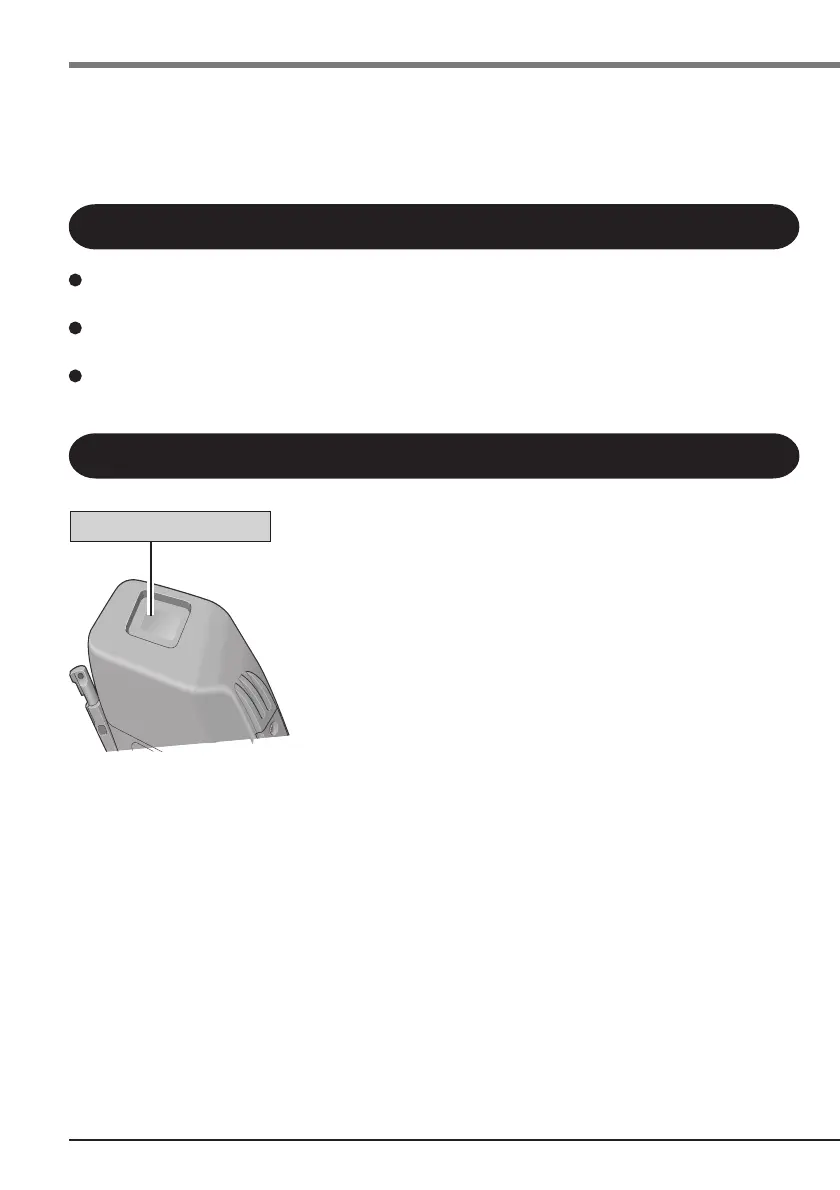
Scanning Window
Do not look directly into the scanning window.
DO NOT LOOK DIRECTLY AT THE LASER LIGHT.
Do not scan barcodes with parameter settings. Erroneous settings may be set in the scan-
ner, necessitating repair work.
Be sure to read “Precautions” in the Handheld Computer Operating Instructions.
Precautions
First-time Operation
Names and Functions of Parts



 To Next Page