Basic fan speed adjustment (3 settings, from Lo to Hi) can be
carried out by using the Fan Speed selection button.
Fan Speed
High Speed Low Speed
Manual O O O
Cooling Auto O O O O
Sleep O
Soft Dry Manual,
Auto
O O
Sleep O
Manual O O O
Heating Auto O O O O O O
Sleep O O O
Hi Me Lo SLo SSLo
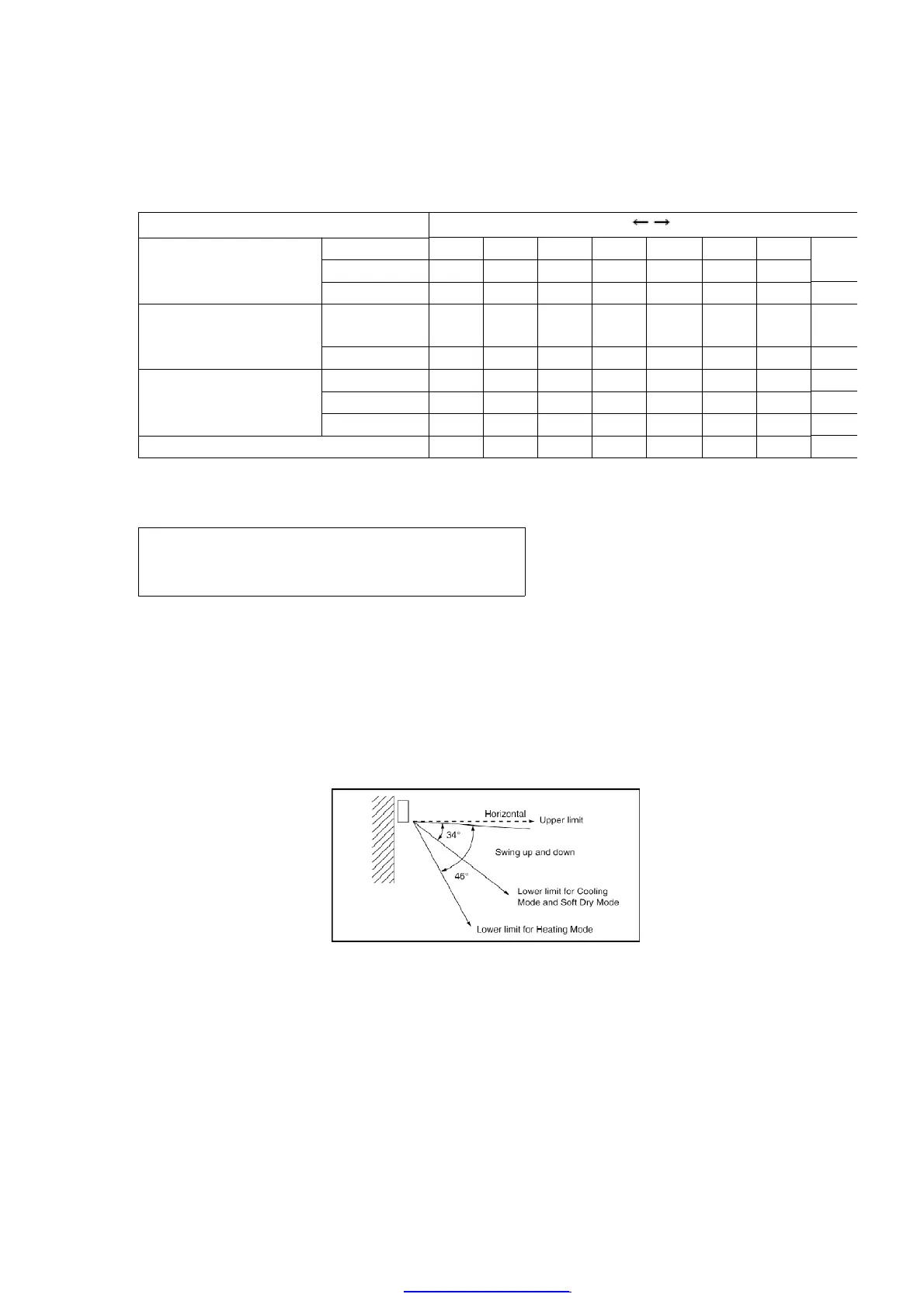
8.8. Airflow Direction Control
Airflow Direction Auto-Control
- When set a Airflow Direction Auto-Control with remote control, the
louver swings up and down as shown in the diagram.
- The louver does not swing when the Indoor Fan stops during
operation.
- When stopped with remote control, the discharge vent is closed
with the louver.
23
PDF created with pdfFactory Pro trial version www.pdffactory.com



 To Next Page